
I’ve had the Iconia A510 a few weeks now and I’ve used it pretty extensively. Mainly because I took it on holiday with me at the end of November. Now it’s time to bring you the full review. Nut first the good and bad points of the device.
Good Points
- Tegra 3 CPU / GPU means a whole host of great games are available
- MicroSD slot
- Micro HDMI port
- Some custom Acer widgets and tweaks
- Budget pricing
- Stereo speakers
- Dolby Digital sound
Bad Points
- Plasticy build
- Rather chunky
- Jelly Bean upgrade may be a long way away
- Quite weighty
- No full size USB port
Design
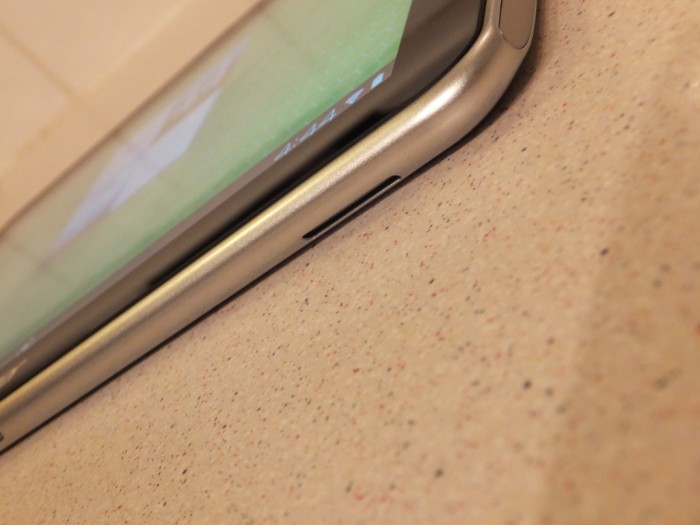
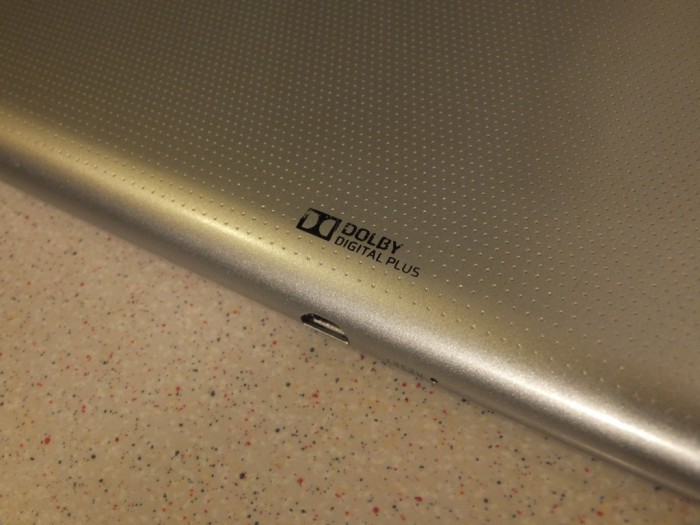
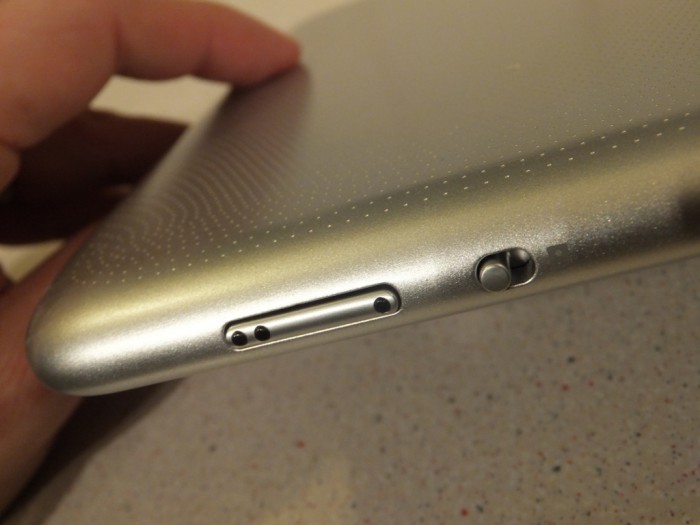
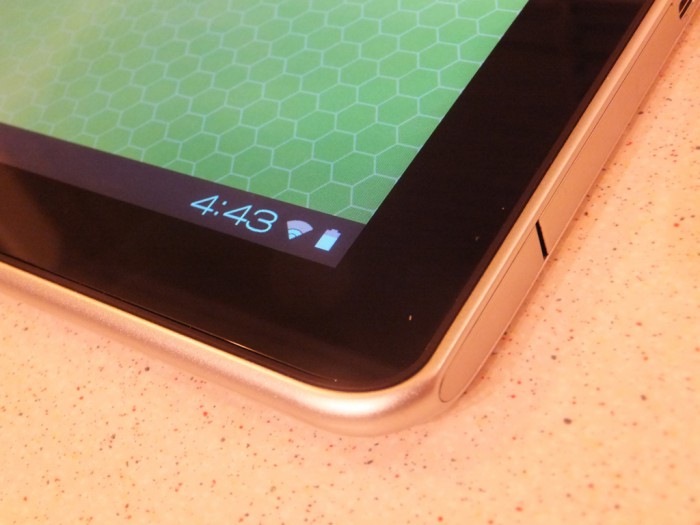
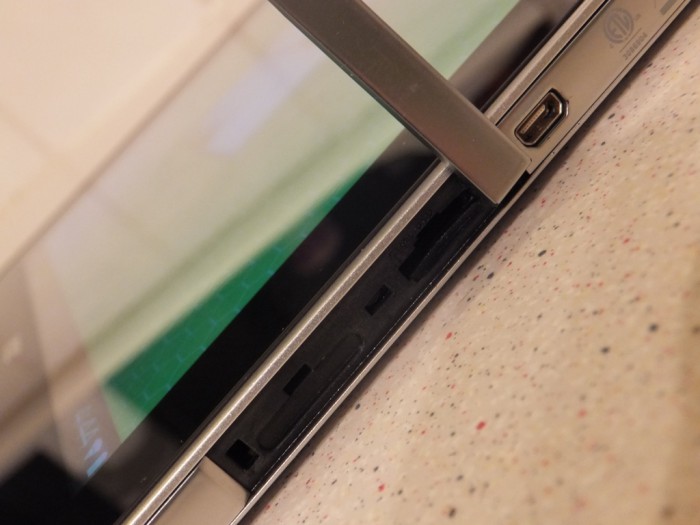
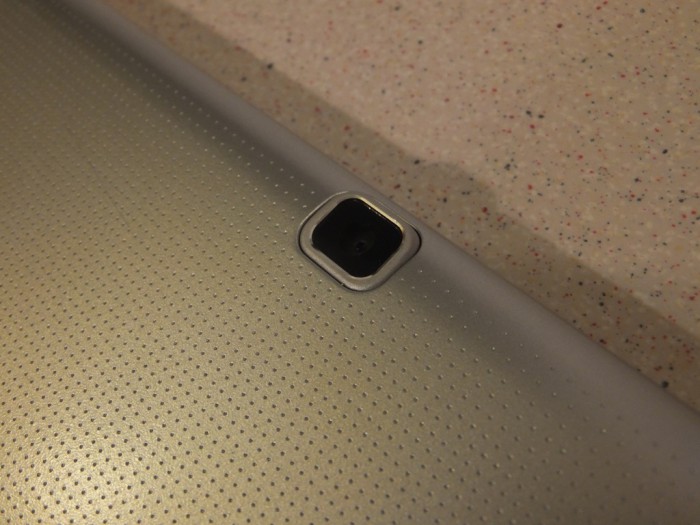
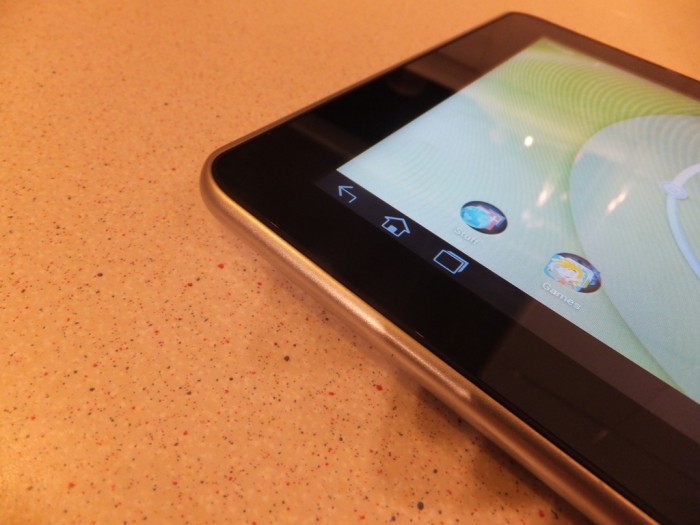
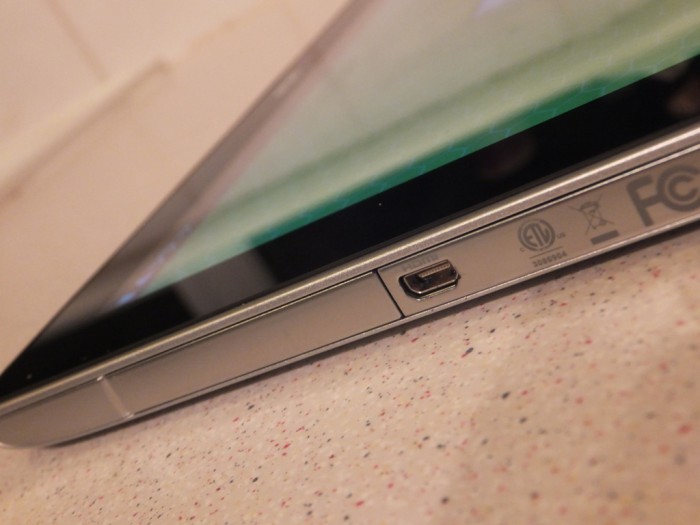
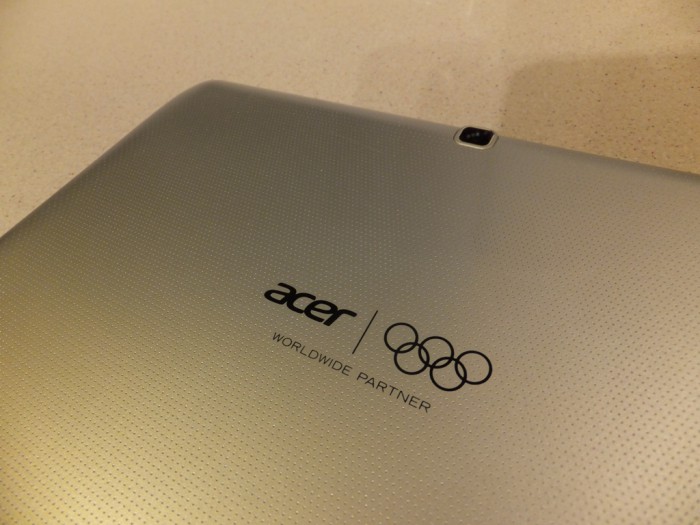
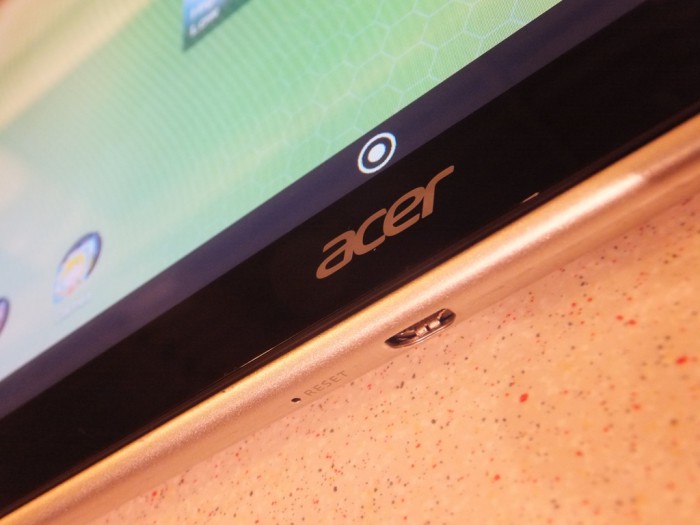
The Iconia A510 isn’t the best look tablet out there. It is made mostly of plastic and is rather chunky, it is almost twice the thickness of my Asus Transformer Prime. The version we had was silver with a mottled polka dot back panel with the Olympic branding on the back. One side of the device has a little flap hiding the MicroSD slot and the other ports and buttons are randomly spread around the rest of the chassis.
Having a manual mute button is a really nice touch, sometimes whilst playing games or something muting the sound is a challenge. You sometimes also can’t mute all of the different audio channels, this switch gets round that problem easily.
Hardware
As I mentioned in the initial impressions article about the Iconia A510, most Tegra 3 tablets have an almost identical spec. The A510 is one of such devices. Although the inclusion of HDMI out and a MicroSD slot do make this an ideal tablet for multi media consumption.
The Tegra 3 processor is meant to be able to play the latest and greatest games, yet some I tried suffered from crashes and freezes. This could be down to developers struggling to code their app for every variation of the Tegra 3 chip or it could just be down to Acer. Most games I tried worked like a charm, only some huge games like Batman or N.O.V.A 3 struggled. Not that this is a major problem for me, as I find playing big console scale games on a large tablet rather daunting, preferring to use a smaller tablet instead. The processor did cope admirably with video playback though. I watched a few films whilst on the plane and had no problem with lag or audio separation.
Spec wise here is what the Iconia A510 offers:
- Processor – NVIDIA Tegra 3 T30S 1.30 GHz Quad-core
- Memory – 1 GB LPDDR2
- MicroSD
- Memory Capacity – 16 GB (32GB also available)
- Display – TFT Colour LCD 16:10 WXGA 1280 x 800 Backlight LED
- GPS
- HDMI
- Battery – 2-cell Lithium Polymer (Li-Polymer) 9800 mAh 36.26 Wh
- Dimensions – Height 11.0 mm, Width 260.0 mm, Depth 175.0 mm
Software
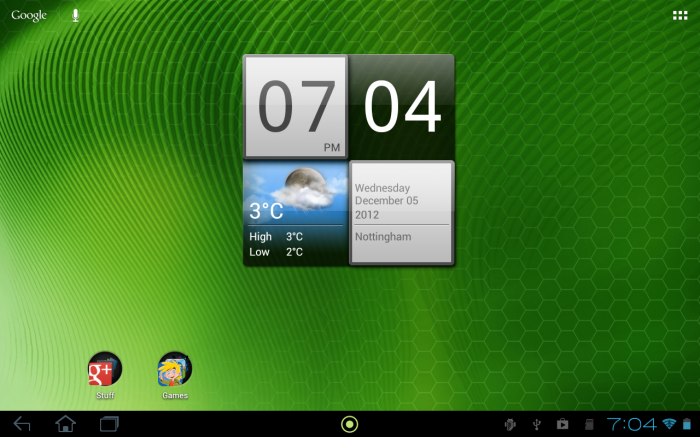
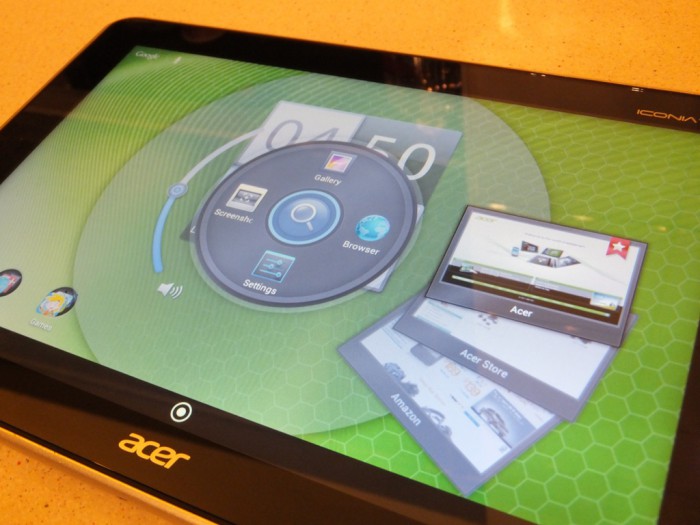
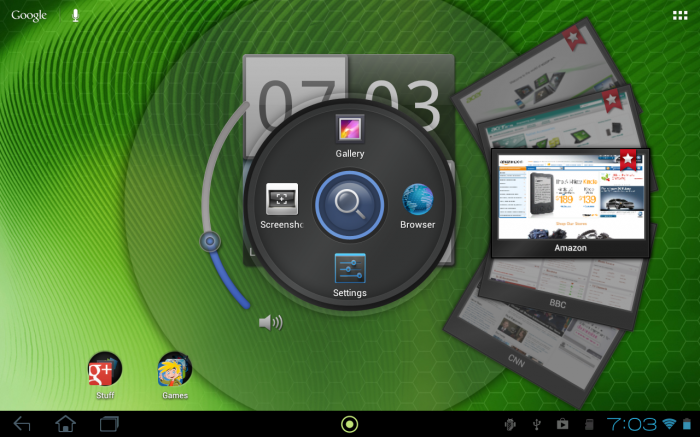
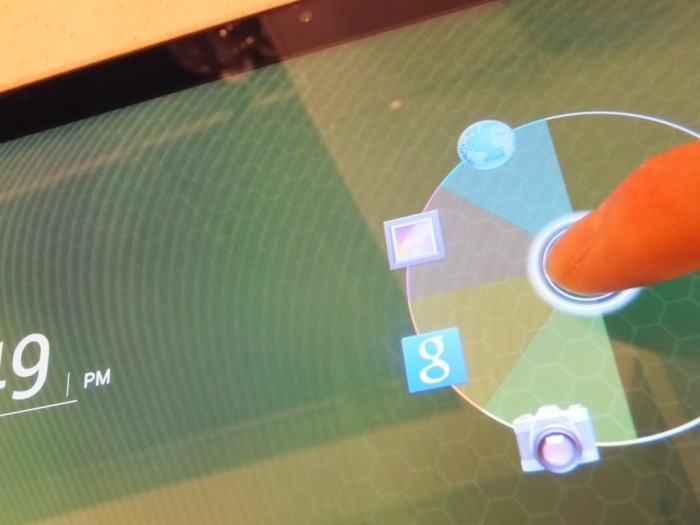
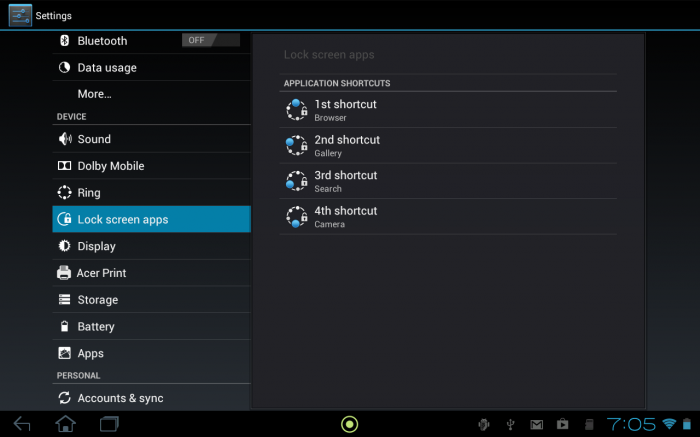
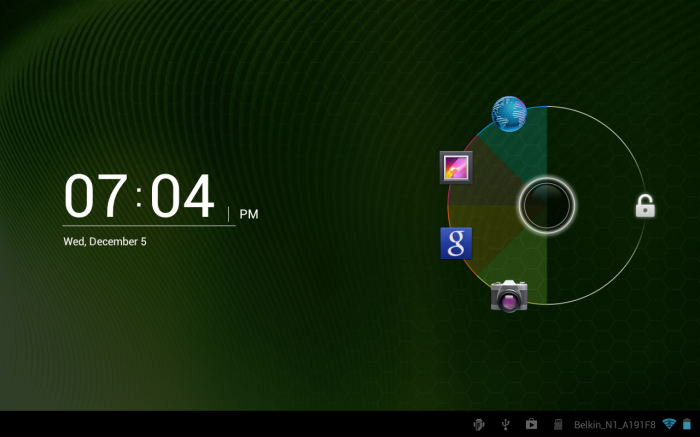
In recent times Acer have gone with a vanilla Android approach to their devices and the Iconia A510 is no exception. They have tweaked a few elements though, with the Lockscreen, the Soft Keys and the Status bar getting tweaked. The Lockscreen takes the Ice Cream Sandwich Lockscreen and adds four customisable shortcuts. Simple yet very effective, you can easily add a link to Gmail, Gtalk, Twitter and Photoshop lets say rather quickly.
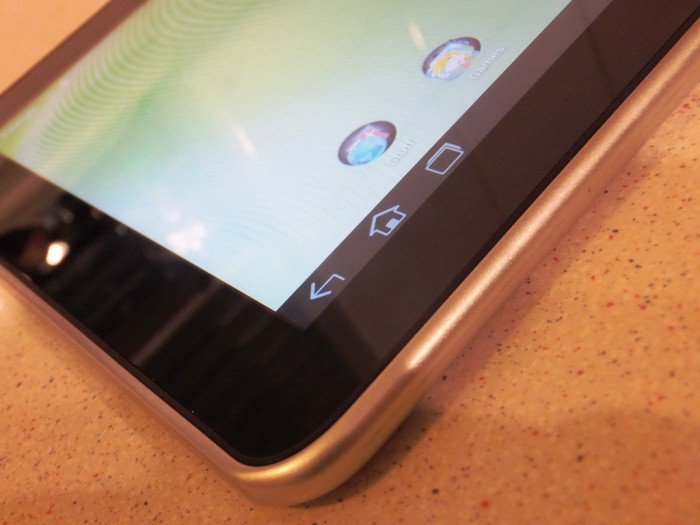
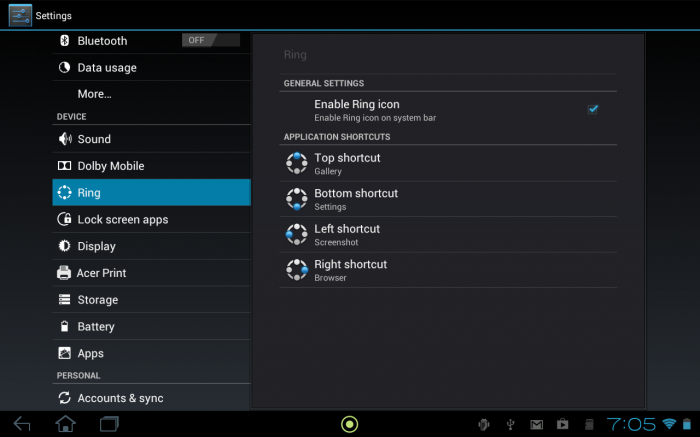
 The Soft Keys have a slight blue twinge to them, pointless if you ask me. But hey they can do what they want. Acer have also added a dot to the Status Bar. This dot once pressed brings up a big old widget. This widget has four customisable shortcuts and some of these shortcuts are more like widgets themself. If you add the volume or bookmarks shortcut you get a further element to adjust volume or scroll through the bookmarks. It also has a screenshot option on this widget. It really becomes quite useful as it remains present throughout every app. So if you playing music you could quickly access the volume.
The rest of the build is pretty bloat free and it has plenty of space for more apps and games. Acer have added their nice clock and weather widget as well.
Talking of apps and games I installed a good old pile of favourites and it coped admirably with whatever I threw at it. Using apps like TV Catchup or Netflix really shows you what a 10” tablet is useful for. Before I went on holiday I download the maps for where I was going from Google and the Iconia proved to be a useful companion to checkout where I was meant to be heading in the morning before we headed out. I also downloaded a load of ebooks to read as well and the Iconia proved to be an adequate reader. In portrait large tablets always feel odd reading books, but in landscape with the text enlarged it was quite a pleasant experience.
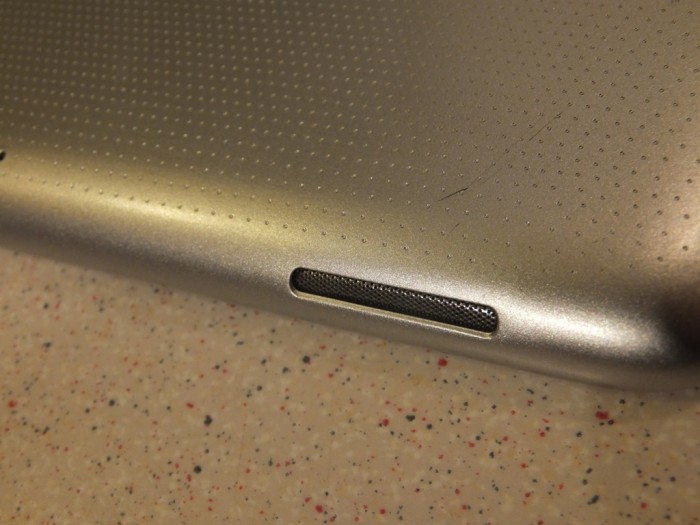
I really feel multi media is the main target audience for the Iconia, I loaded up a memory card with music and films and it kept me entertained throughout my flights and during the holiday. The Iconia does have built in speakers and Dolby Digital sound. Which with headphones made for great quality listening. The stereo speakers were just average, Android tablets never seem to get decent speakers.
Paired up with a Bluetooth keyboard and a stand the Iconia could be decent laptop replacement, Acer also have a few extra cables for USB hosting as well which make it quite useful.
Conclusion
The Iconia is a great tablet that you can mould to your own requirements, be it travelling, multimedia, productivity or gaming. The problem is that most Android tablets now lag behind something or other, mostly the Nexus range, the Google pricing model has really shook up the tablet market and manufacturers like Acer and Asus really need to re-adjust their thinking whilst specifying new tablets. The Iconia can be found online for about the same price as the new Nexus 10 tablet, which out specs it in every way. Apart from MicroSD and HDMI. So if you want a new tablet for multi media then this could be the one for you and as we approach Christmas prices should drop so you may get a bargain soon.
In my opinion the Iconia just arrived a few months too late and the Nexus problem will soon start to effect many manufacturers like Acer. Will they continue to produce devices or will they just reduce the quality of their products? Only time will tell.