
I’ve had my Surface tablet for a few weeks now and I’ve tried out basically everything that the Surface has to offer. I am still torn whether I like it or not, over the past few years I have tried out a whole range of Android tablets, an iPad recently and of course no end of laptops and netbooks. The Surface is an odd mix of all of them. The Surface marks the beginning of Microsoft’s foray into the world of the hardware manufacturer and lo and behold the initial release was not as smooth as everyone would have liked.
So to start off the review lets have a look at its good and bad points.
Good Points
- Nice big screen
- Decent spec
- MicroSD slot
- HDMI slot
- USB slot
- Kickstand and keyboard increase usability
- It has massive potential
- Xbox and Windows Phone integration is great
Bad Points
- Screen is a fingerprint magnet
- The large size makes it hard to hold in landscape mode as a tablet
- The slow rate of new apps appearing is frustrating
- Strange desktop mode keeps rearing its head
- Price is definitely a gamble
Design
The Surface tablet is a great looking device, compared to other tablets on the market it has a unique design. The Surface is all straight lines and angles, with only the corners being rounded. The Surface is wide and it definitely wants to be used in landscape orientation. The kickstand makes the Surface a great way to watch a film or listen to music and when combined with one of the keyboards you get quite a useful little laptop replacement.
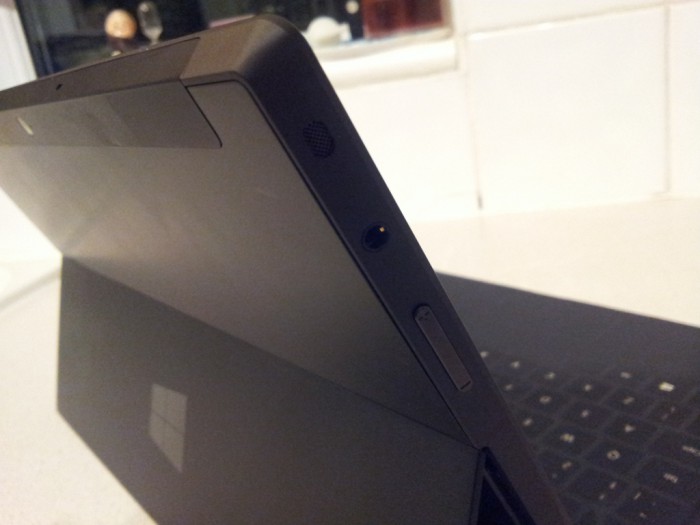
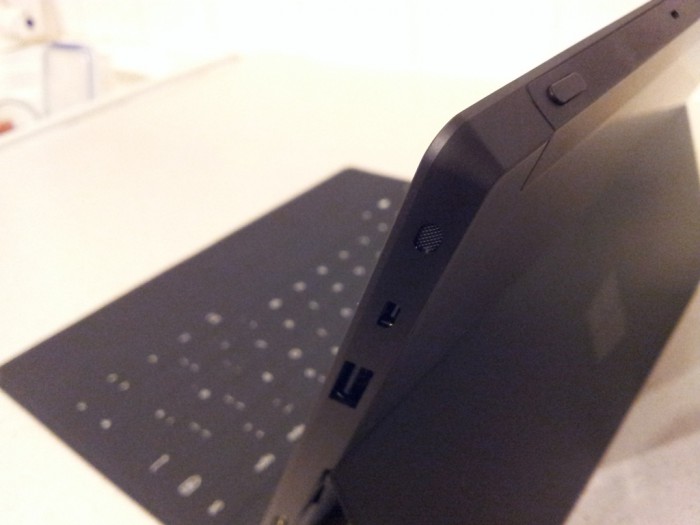
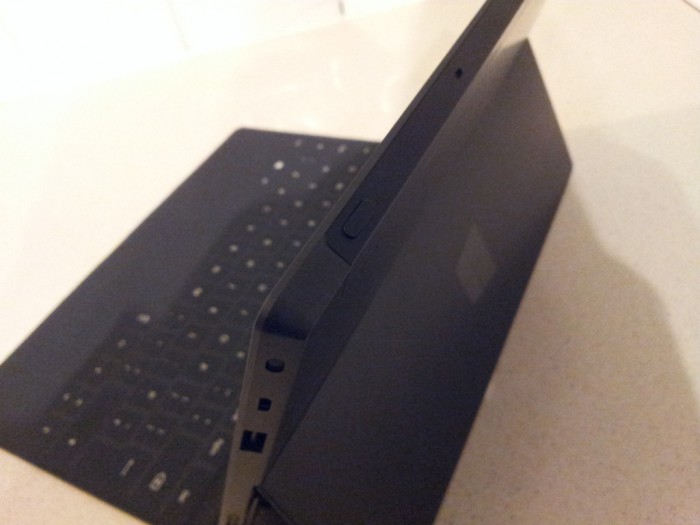
The Surface has a good selection of ports, holes, connectors and slots. With only the MicroSD XC slot being hidden, it took me a while to realise it has four speakers around the casing making for an adequate sound experience listening to music.
An interesting design idea from Microsoft was to put a big capacitive Windows button on bezel. It is right in the middle of the tablet. Right where you would support it one handed to use whilst in bed or sat on the sofa, so I keep accidentally pressing the home button. Quite where they would have put button instead I don’t know.
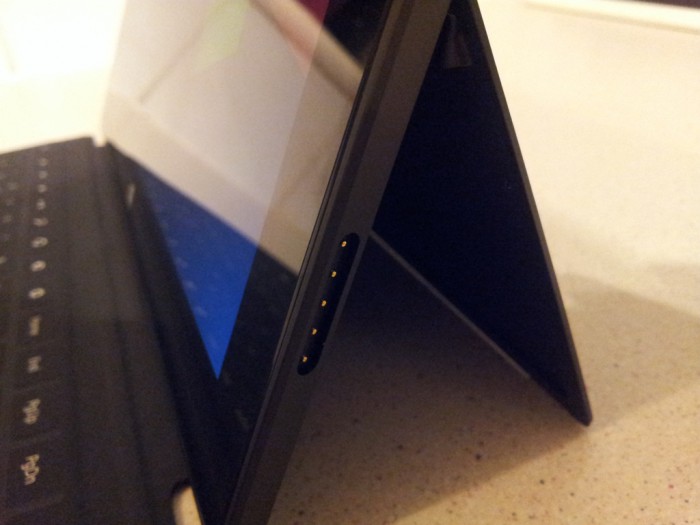
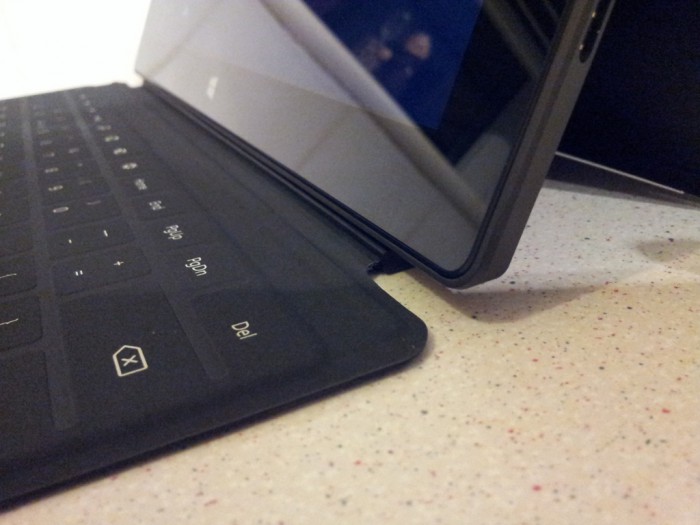
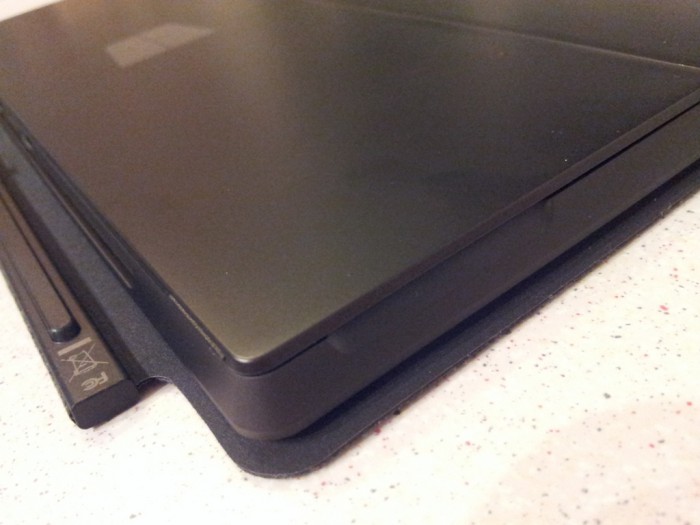
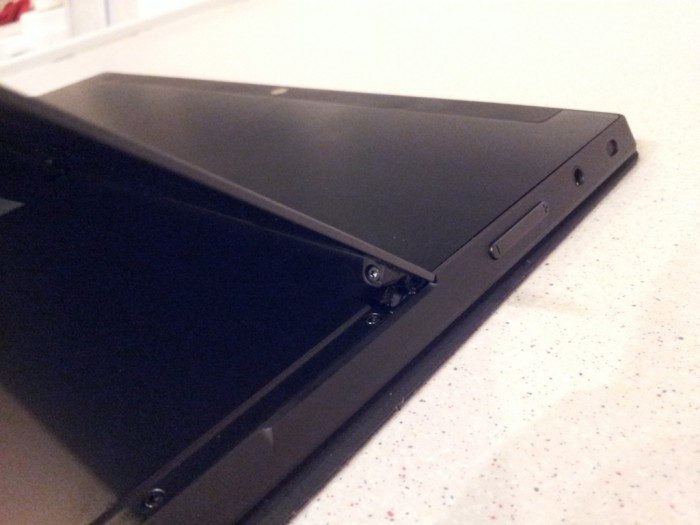
The longevity of the keyboard and the kickstand are of a little concern as well, with reports of keyboards splitting (mine looks like it might split soon) and the kickstand looks like it might break at any point. So far Microsoft have been replacing damaged keyboards pretty quickly.
As the screen is an 11.6” screen it is very wide, my normal use with the Surface is sat on the sofa holding it in one hand or playing a game with two hands. Reaching the middle of the screen is sometimes an issue. The rumoured smaller Surface tablet would certainly be of interest to me.
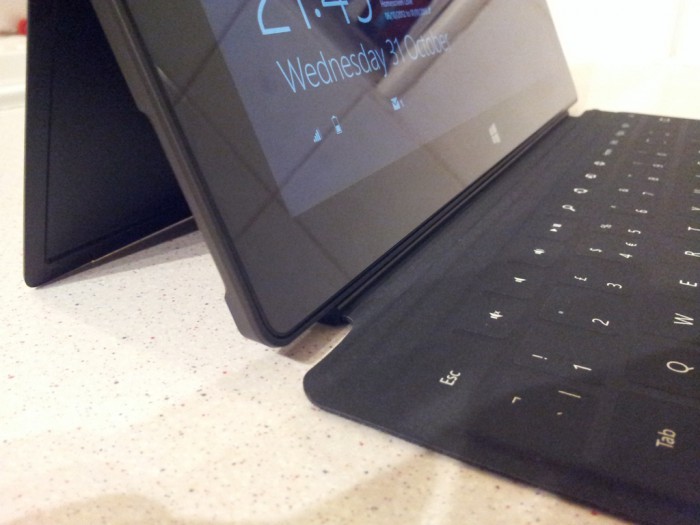
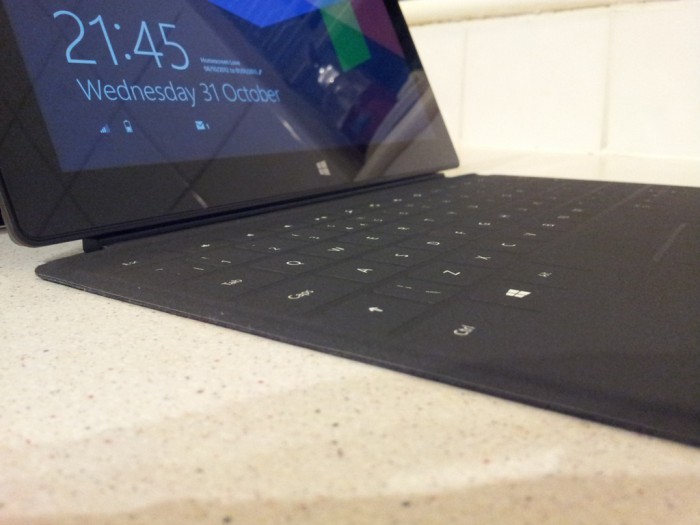
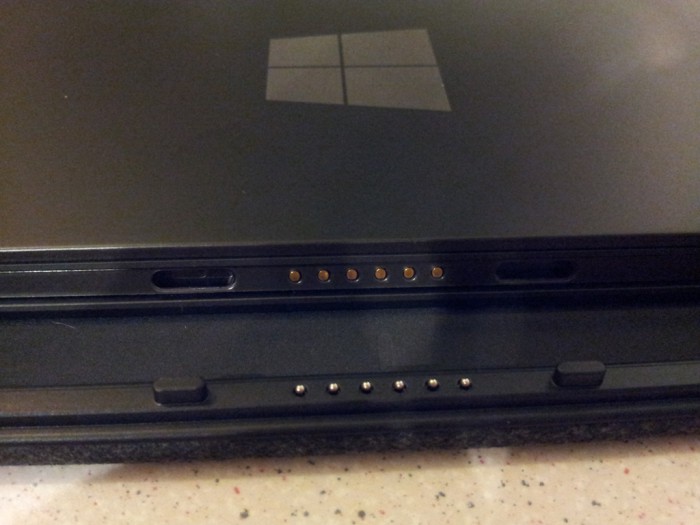
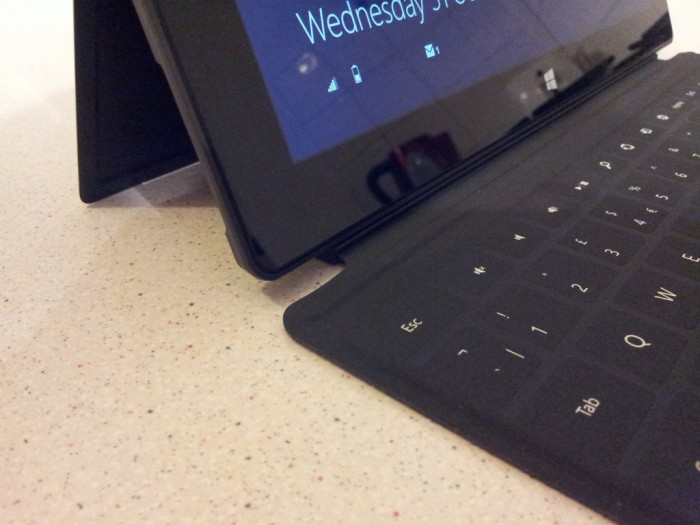
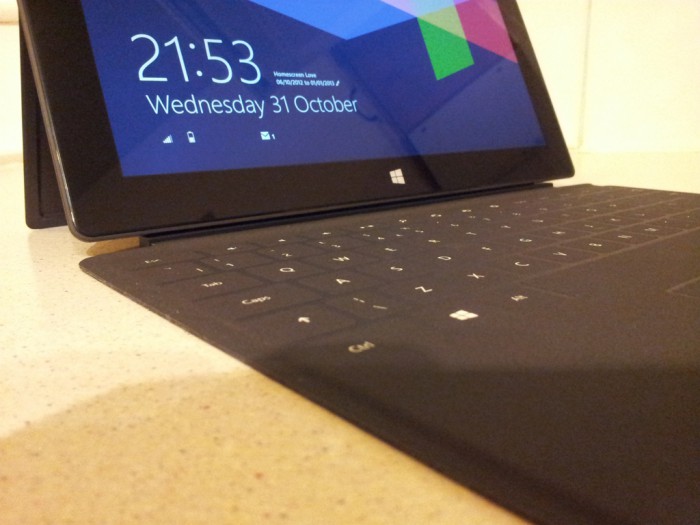
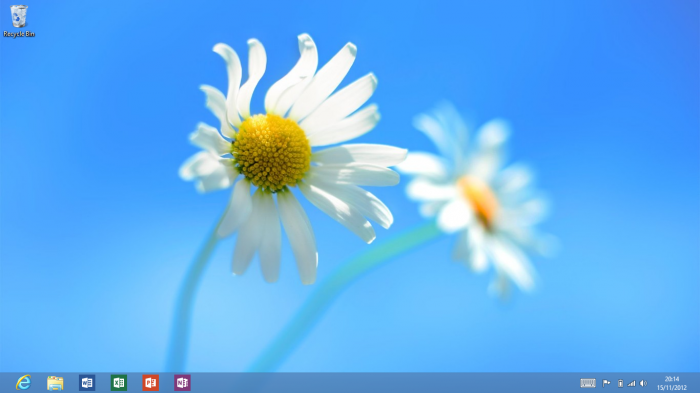
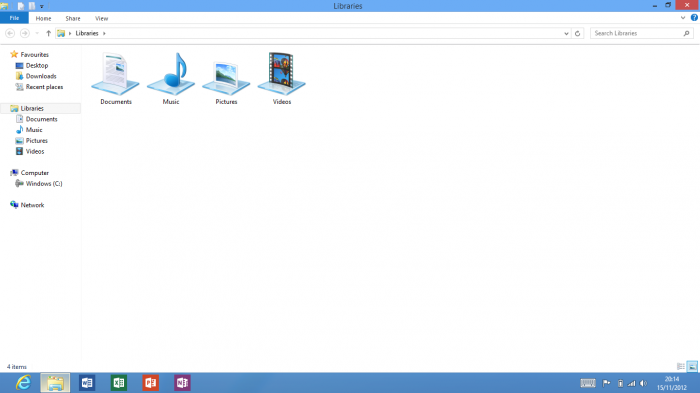
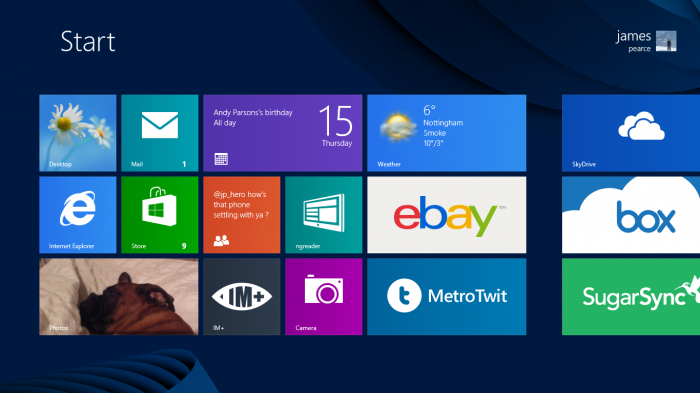
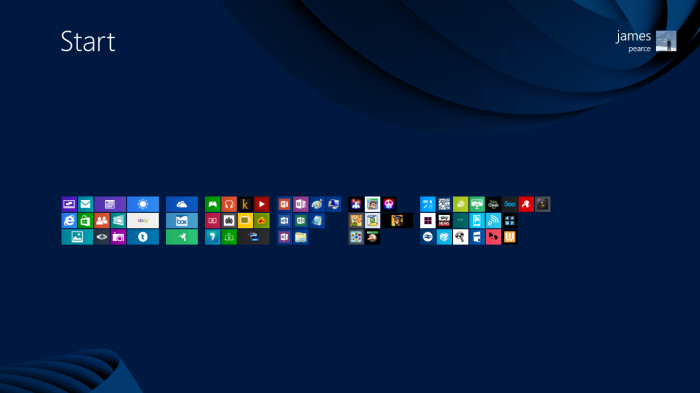
Here are a few shots of the Surface:
Hardware
The hardware spec of the Surface is basically the same as all of the other Windows RT devices. But here it is anyway:
- OS – Windows RT; Microsoft Office Home and Student 2013 RT Preview (Word, PowerPoint, Excel and OneNote). Works exclusively with apps available in the Windows Store.
- Dimensions – 10.81 x 6.77 x 0.37in
- Weight – 1.5lbs
- VaporMg casing
- Dark Titanium colour
- Volume and Power buttons
- Storage – 32GB or 64GB
- Display – 10.6″ ClearType HD Display 1366×768 pixels 16:9 (widescreen) 5-point multi-touch
- CPU – Quad-core NVIDIA Tegra 3
- 2GB RAM
- Wireless – Wi-Fi (802.11a/b/g/n)
- Bluetooth 4.0 technology
- Battery – 31.5 W-h
- Cameras – Two 720p HD LifeCams, front- and rear-facing 1MP
- Two microphones
- Stereo speakers
- Full-size USB 2.0
- microSDXC card slot
- Headset jack
- HD video out port
- Cover port
- Sensors – Ambient lightsensor. Accelerometer, Gyroscope, Compass
- Power Supply – 24W power supply
- Warranty – 1-year limited hardware warranty
- Apps (included) – Microsoft Office Home and Student 2013 RT Preview1 (Word, PowerPoint, Excel, OneNote); Windows Mail and Messaging; SkyDrive; Internet Explorer 10; Bing; Xbox Music, Video and Games.
It is missing NFC although I can’t see why a tablet needs NFC. Wifi is very good with the Surface as it has two antennas, so I get a connection where I would normally struggle.
A lot has been said about the internal storage of the Surface, yes Windows RT does take up a lot of space. You really have to remember that Windows RT is different to any tablet OS we have seen before so comparing the OS size is a bit wrong.
Other notable points from the spec are the Tegra 3 chipset which makes for a smooth experience moving around screens and apps. Also having a MicroSD XC slot is great for loading it up with films and music, it makes for an ideal device to take on a plane or something like that. The SD slot is useful, the USB slot is great, I have tried a few different mice out and they work instantly, I found browsing some large websites with the small trackpad a little awkward.
Talking about the keyboard, I got a Touch Cover with my Surface. It is a great thing to behold, with a furry backing and an almost sponge like top, to use it takes a bit of getting used to. With barely any feedback from the keyboard having Windows RT make a pop after each button push is handy. Sat on a nice solid surface you can type quite quickly with it and I imagine the Type Cover would be even faster.
The other various buttons on the Surface all work nicely, the volume button even has a nice solid feel to it. The power button feels a little redundant though, it turns the thing on and to turn it off you perform a selection of swipes and presses from the menu (or press Power+Home and choose shutdown). The keyboard and the tablet form a nice unit when combined and the case even wakes the tablet up at times. When you meet a certain criteria of screen off time (it sometimes wakes up when opened and sometimes doesn’t) . A setting to change this behavior might be nice.
The Surface has two cameras whic are a little disappointing. They are sold as HD cameras which is true, 720P video recording is acceptable really but for taking photos the cameras work out a 1MP. Which basically leads to low res, slightly pixelated shots. Also with no flash the camera is only really usable in well lit areas. The Surface cameras are only really included for video talk and basic video recording, no one really tries to take good photos with a tablet now do they?
Software
Perhaps the hardest part to review and yet the most crucial part of any tablet is the software. For this new experiment that Microsoft are calling Windows RT I really don’t know where to start. The next few months will really show us whether Windows RT is here to stay.
Let’s start with what we do know. Windows RT is like a hybrid OS, sort of tablet optimised OS and sort of desktop OS. 90% of the time you will be in the tablet side. Which is all good, once you have added a few email addresses, your Microsoft accounts, your Facebook account, your Twitter account, your Xbox details and your SkyDrive details then you are good to go.
Out of the box your Surface will be set up as a local device with no connected side, which means no apps or services. Once you add your Microsoft account then things start to improve. This does mean though that your login is your Live/Hotmail password. Which in my case was an ancient Hotmail address full of spam and Windows Phone purchases. You can set up several different users though which is a nice touch though.
Moving through the Windows RT Start Screen is by far easiest using the touchscreen, a single finger swipe scrolls slowly, a two finger swipe scrolls really quickly. The tiles can be moved around quite easily, as well as being resized and made non-live. I feel that Microsoft should have included a smaller tile similar to Windows Phone here also.

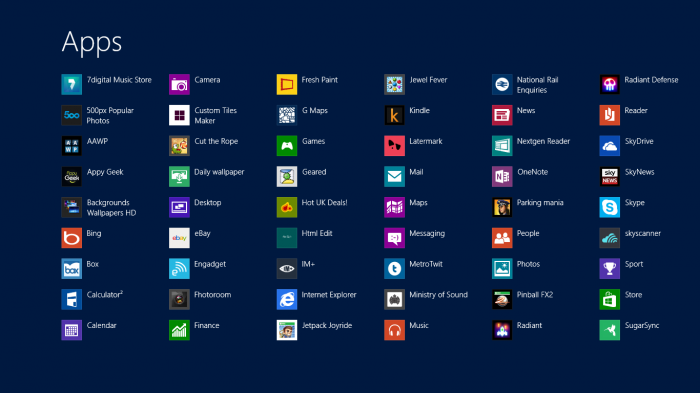
Speaking of Windows Phone if you have used it you will be glad to see the People tile is present in Win RT, showing faces of random people from you Twitter account. Once you have installed a load of apps and games you are left with a sea of tiles of differing sizes and activity. Some default to live status and give you info even if you don’t really want them to. Luckily you can remove tiles and leave them in your “all apps” section. Talking of the “all apps” section, which I struggled to find at first, a quick swipe up from the bottom or a right click on the Start Screen displays the “all apps” button. You can also get to it through the Charms Bar and also some keyboard shortcut. It’s little quirks like that, that make the whole experience a little odd, you soon get used to it and on a non touchscreen device these quirks are even harder to handle.
Xbox integration is quite a major part of Windows 8 and on the Surface it means you can get Xbox Music, Xbox Video, Xbox Games and the newest addition Xbox Smartglass. They really have you covered here for content. Microsoft really just need books and magazines next to be a viable alternative to the “others”. Luckily Microsoft added a persistent Wifi connection to Win RT unlike WP8 so streaming music over Wifi is possible. Services like 7Digital are present as well so getting MultiMedia onto the tablet is a doddle.
Windows Phone integration is made easier by SkyDrive and the Windows Phone app. It basically means that with the right settings on both devices you can easily share files over SkyDrive in an instant. I recently went to a gig and when we got home my HTC 8X connected to Wifi and started to upload all of the photos and videos from the gig, A short while later we could look back at them all on my Surface. It really was effortless. Being able to sync with Windows Phone also helps getting media or files from your tablet to your phone manually.
As the Surface has a full size USB slot I quite looked forward to being able to plug my camera in whilst I was on holiday. So I thought I’d give this ago whilst on familiar ground at home. Once Win RT has added drivers for your camera it prompts you to decide what action you should with the photos nothing, import or open folder were my options. I truly expected it to open up the nice Metro pictures app, no it opened up the desktop mode and ran File Explorer, the desktop version. Quite frustrating that, so I closed it down and opened up the Pictures app and it couldn’t see the Camera. Oh well, I gave up trying to look at photos.
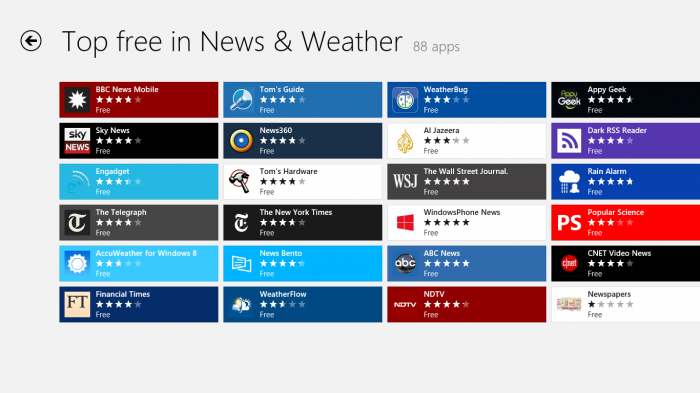
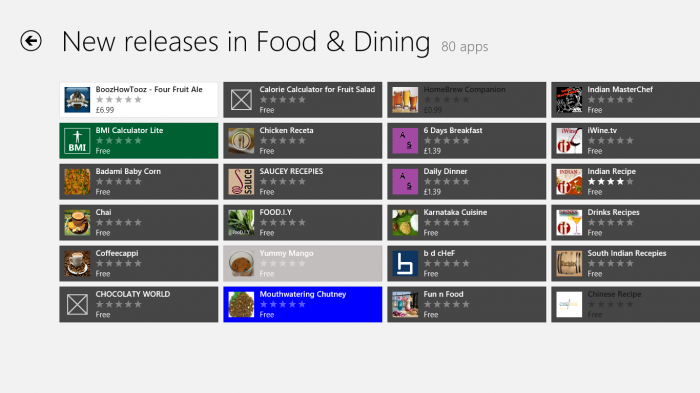
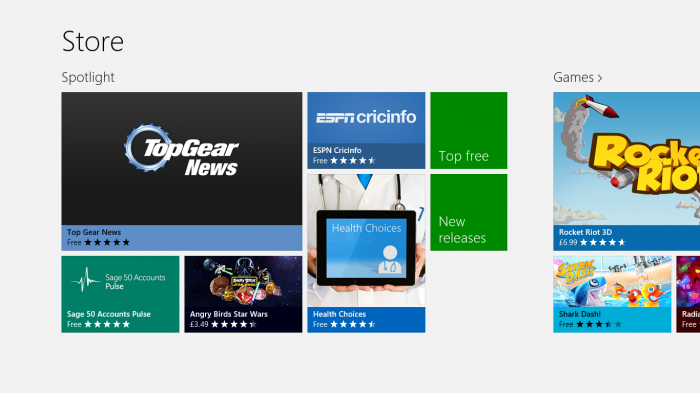
The Windows 8 Store at the moment is a little clunky to manoeuvre around, as there is no instantly obvious search bar. As always a quick swipe from the right brings up the search option. Another thing to get used to! The categories they provide are adequate with most offering “all”, “top free” and “new releases” so you can easily scroll through available apps. Some of the Xbox games are quite expensive though, the Angry Birds games cost £3.49 being a prime example. On a 27” Windows 8 Pro desktop I wouldn’t mind paying this but for my Surface I don’t think so, yes I do know one purchase is available on all Win 8 devices.
The Windows 8 Store also seems to struggling with developers coding their apps for the right platform. Take Google for instance, they initially coded their search app for X86 architecture and not ARM so it wasn’t available for Win RT whether this was intentional I don’t know. Certain OEMs seem to also be getting exclusive apps as well. I recently had an Acer Win 8 netbook and it came with a really nice Amazon app. The store showed it as an official Amazon app and exclusive to Acer. Why on earth this still happens, with Nokia and Windows Phone I understand but on Windows 8 it’s worrying. Microsoft should be getting big name apps like that to be available to as many people as possible. Only time will tell if the Win RT app situation improves, after several weeks we still do not have an official Facebook or Twitter app. In fact the Twitter situation is dire as Twitters API limit are forcing developers to remove their apps. Barely any big name games have moved to Win RT and not many of the big name Android or iOS developers have moved either. Whether or not there are a lot of apps being processed we don’t know, whether developers are waiting for sales figures of Win RT before committing again we don’t know.
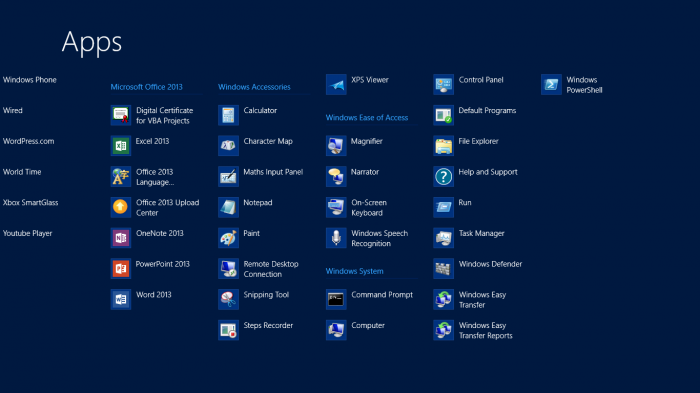
Before I finish the review I should mention the weird desktop side to the OS, it only really appears when you need to use an app that Microsoft couldn’t be bothered to make a Metro version for. Office 2013 being a prime example. When you open up the “all apps” section you see various programs like Paint, Notepad and Command Prompt that whilst being useful they really only highlight what is going on here. In my opinion Microsoft obviously created Windows 8 and then decided to make a tablet version on top of it and making every last section of Win 8 in a Metro style would have took forever. So the few apps that were left form an odd collection of legacy apps from the Win XP days. It is perfectly usable, you will need a mouse or trackpad handy though as it isn’t touch optimised.
Conclusion
Overall I really like the Surface, it is something new and fresh. The design and innovation is admirable, Microsoft should be commended for taking the bold step of showing all of the other OEMs how Win RT should be done.
Whether the Surface just becomes a proof of concept type piece of hardware and we were all just beta testers will remain to be seen. Another concern about the Surface arises when you look at the upcoming hardware for Win RT from the likes of Samsung, Acer, Asus and Dell. All of which design wise make the Surface look a little toy like. The other problem for Surface RT is Windows 8 Pro touchscreen devices. They will offer everything that Win RT offers and then some. At the moment it seems like the Pro models are going to come at a premium cost, almost at an Ultrabook level of pricing.
For Windows RT to succeed the other manufacturers need to release their devices and Microsoft need to do some developer bribing like they are doing with Windows Phone. Oh and maybe drop the price a bit and maybe put a bigger SSD in as well.
As to whether you should buy a Surface or not, I’m not sure. I’m glad I did as it is drastically different from any tablet I’ve ever used and it can hopefully just get better. Just at the moment it is slightly overpriced and slightly redundant in what it can do. The Microsoft Surface is going to be a bit of a waiting game. A bit like Windows Phone.
Very interesting stuff. I was wondering quite how Windows RT would turn out (in comparison to Win8 that is). It sounds to me like they have pretty much ported Windows 8 in it’s entirety to the ARM architecture, rather than redesign it. Which makes me wonder, really what is the point of this? Surely it’d be better to do an ultra slim, ultra light laptop instead, with this OS on it?
From what you say, it seems that this tablet is trying to be a laptop anyway, so why not just make it a bloody laptop in the first place.
I tend to carry my laptop and my tablet concurrently, and I have no problem with this. Sometimes when I want extra portability, I can leave my laptop at home, and carry on working pretty much unencumbered with my tablet – it works pretty well for light work.
If you were to want to do some ‘heavier’ tasks, I get the feeling that this particular tablet would become annoying and tiresome, and therefore you’d probably go back to your laptop anyway. Which rather defeats the point IMHO.
At least MS have tried to innovate – even if it is, like pretty much everything else they seem to do, a bit rubbish.
So as I understand it, we’re going to start seeing some full-on Windows 8 tablets at some point in the future (if they’ve not already arrived). As these will be Intel based, you then end up with another hotch-potch of platforms nobody will understand, and probably not get the fact that apps for one won’t work on the other, and vice versa.
Just strikes me that the world has moved on a bit, and MS are still trying to catch up. Sure, some of what they do is good in isolation, but none of it seems to be properly thought through.
Surface is the strangest interpretation of a tablet I’ve seen – they built a two piece laptop with touch, not a tablet in my eyes. I mean, Surface is entirely designed around using it on a flat surface (presumably that’s where the name came from!), which isn’t the point of a tablet to me – it should be built for handheld use, not make you look for a flat surface to put it on.
I quite like the idea of a detachable keyboard, but it should help you use the device, not hinder it – for example if you use a laptop on your laptop, the keyboard supports the screen, which makes it easy to use. Surface’s “keyboards” actually make it harder to use!
Win 8 (all versions) does seem to have an identity crisis. I’ve installed it on my laptop, but the Start screen & Metro apps make we want to have a touchscreen, yet the desktop, which you get forced to a lot, doesn’t. It seems a horrible compromise – its not optimised for a tablet or a laptop, which is nuts!
Yes, well said – that’s exactly what was on my mind. Even their TV advert is a bit confusing, and sort-of suggests that it’s a laptop. I think it’s taking quite a bit of a step backward if anything. Most people I know who’ve bought tablets did so because of their form factor – not because they wanted a laptop.
I’ve had mine for a bit now and can say my biggest bug bares are as follows…
a) Proprietary Charging slot – come on guys, a USB slot eh!
b) Left hand kick stand slot only – Al-right if your a lefty
c) Proprietary Micro HDMI slot – GRRRR and more GRRRR
but that’s it… I love the keyboard, I love the speed of most the apps and most of all I love the ability to do Office on it… I did a presentation on it yesterday!
The most interesting part of Surface for me is still to come. I remember Surface being aired a few years back as a concept that MS were playing with. Initially it was thought that it could be used as a coffee-table-plus device with media attributes. It seems it has first come to the tablet market.
I’m with you James, it’s a weird mixture. A nice first step, but too big a price for me to gamble. Nice review.