
Motorola sent over the Hot Red version of the Razr 60 Ultra, and honestly? It’s not just a phone; it’s a cry for attention. If the wood version was for the person who spends their weekends at a gastropub in the Cotswolds, the Red one is for the person who wants everyone in the room to know they’ve arrived.
The Good, The Bad, and The “Meh”
| The Good Stuff | The Not-so-Good Stuff |
| That Red Leather: Grippy, fingerprint-proof, and looks absolutely stunning. | The Price: It’s a lot of dough. You’re paying for the engineering “wow” factor. |
| The Cover Screen: I do 90% of my tasks without ever opening the phone. | The Heat: That Snapdragon 8 Elite gets warm when it’s working hard. |
| The Hinge: Solid, smooth, and has a very satisfying “clack” when shut. | Camera Zoom: No telephoto lens means distant shots look a bit “watercolor.” |
| Moto Actions: I will never stop “karate chopping” for my torch. Ever. | Updates: Motorola is still a bit slow compared to Google or Samsung. |
Design and Build: “The Ferrari in Your Pocket”
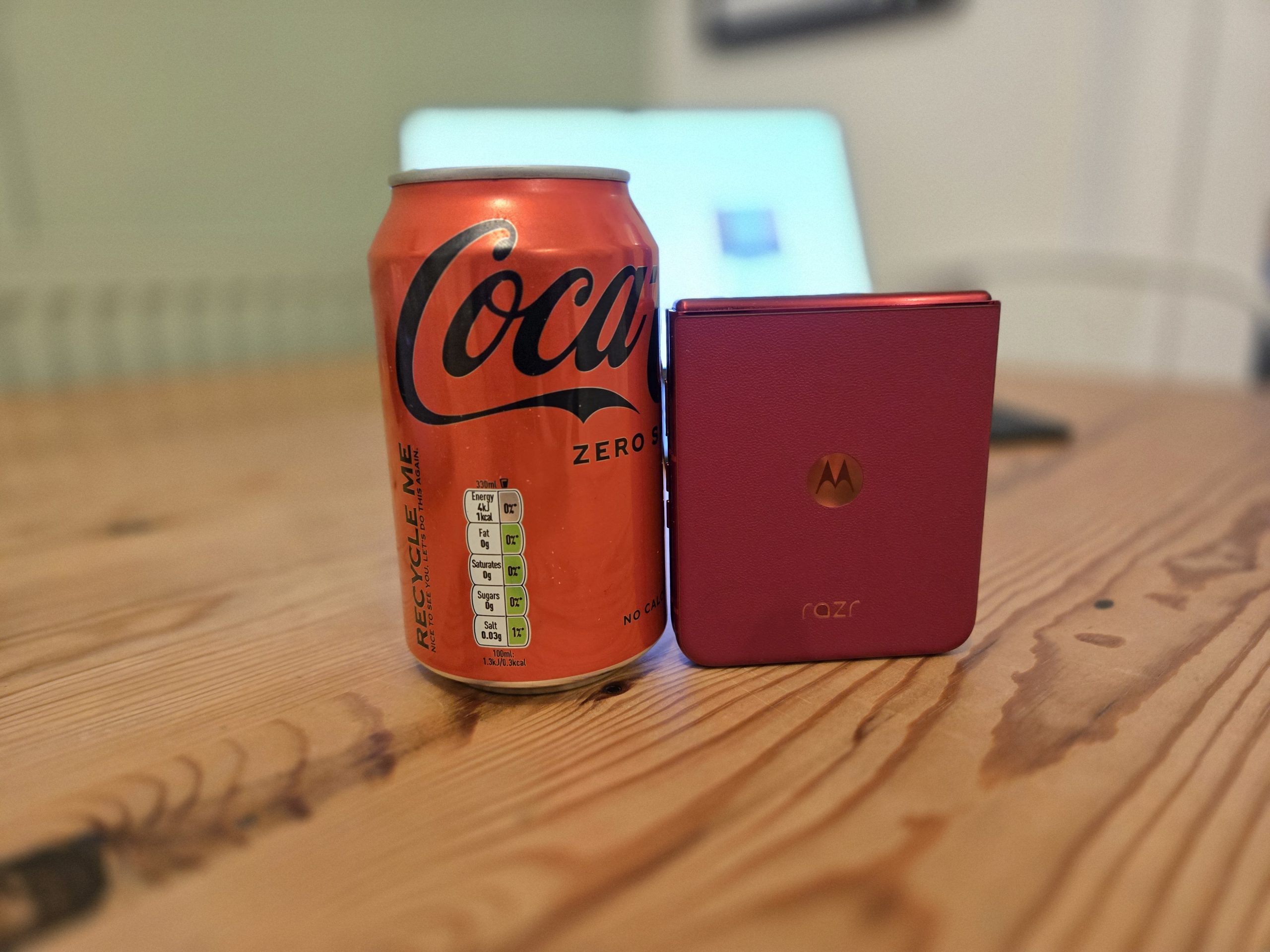
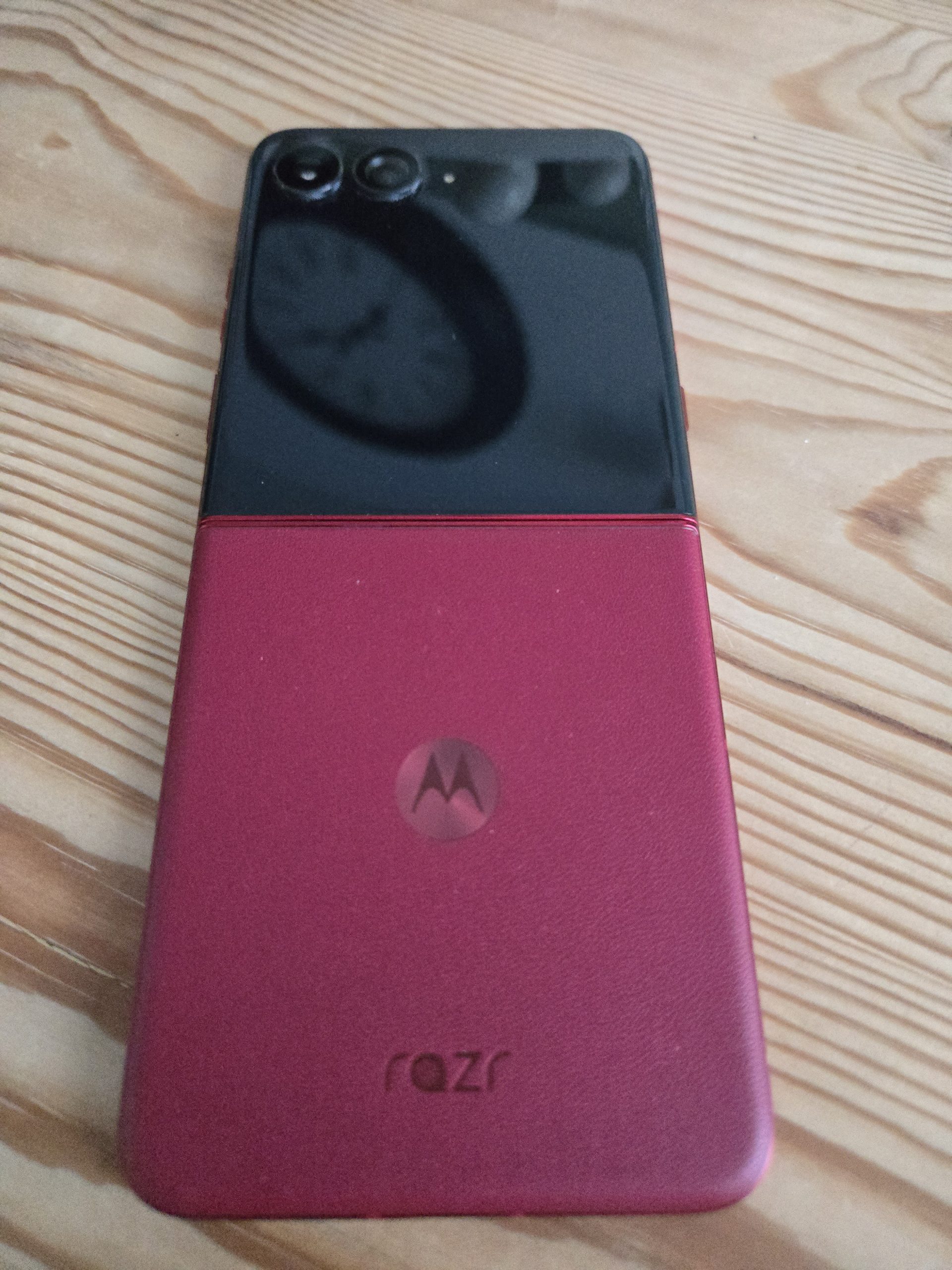
I’ll be blunt: this Red is loud. It’s a deep, saturated crimson that Motorola calls “Hot Red,” and it’s finished in that premium vegan leather (or “fancy plastic that feels like a steakhouse menu,” as I like to call it).
The texture is brilliant. It’s grippy, which is a godsend because dropping a folding phone is a one-way ticket to a very expensive bad mood. Unlike the wood version, which felt a bit “academic,” this one feels energetic. It’s got that tactile, pebbled finish that caught the light even in the dimmest corner of my local.

The hinge is where the real engineering magic happens. Moto has moved to a titanium-reinforced setup this year. It feels incredibly sturdy; there’s no lateral wobble, and the “flick” action is addictive. Motorola says it can handle 35% more folds than the last model, which is great for those of us who use it as a fidget toy.
Folded up, this thing is a masterpiece. It’s roughly the size of a double-stuffed Oreo (but less crumbly). It fits in my “coin pocket” on my jeans—you know, that little pocket no one uses except for maybe a spare pound coin? It fits in there. If you’re tired of phones that feel like carrying a roof tile in your pocket, this is your salvation.
The “Real World” Build:
-
IP48 Rating: It’s finally got some decent dust and water protection. You still shouldn’t take it for a swim, but if you get caught in a British downpour while waiting for the bus, it’ll be fine.
-
The Weight: At 199g, it’s got enough heft to feel “expensive” without being a literal brick in your pocket.
-
The Crease: Yes, it’s still there. If you tilt the 7-inch pOLED screen under a bright light, you’ll see the dip. But honestly? Within ten minutes of scrolling, your brain just deletes it.
The Screen(s): “Double the Fun”
The Razr 60 Ultra is basically two phones in one.
The Outer Display: This 4-inch AMOLED panel is the best in the business. While Samsung makes you jump through hoops to use real apps on their cover screen, Moto just lets you get on with it. I’ve spent entire morning commutes replying to emails, checking Google Maps, and even watching YouTube clips without ever opening the phone. It’s bright, too—peaking at 3,000 nits, so you can actually see it when the sun finally decides to come out in the UK.
It’s 165Hz as well, so it’s just as smooth as the big screen inside. There’s something properly satisfying about flicking through your emails on a tiny square screen while waiting for the kettle to boil. It makes you feel like you’re living in the future we were promised in the 90s.
The Internal Display: “Wait, Where’s the Crease?”
When you finally decide to flip it open—usually with a dramatic thumb-flick that makes you feel like a Bond villain—you get a massive 7-inch pOLED display.
Now, let’s address the elephant in the room: the crease. Yes, if you turn the screen off and hold it at a 45-degree angle under a spotlight, you can see it. But in actual, real-world use? You honestly don’t notice it. Your thumb glides over it, and because the screen is so bright (we’re talking 3,000 nits peak brightness), the light just washes over the dip.
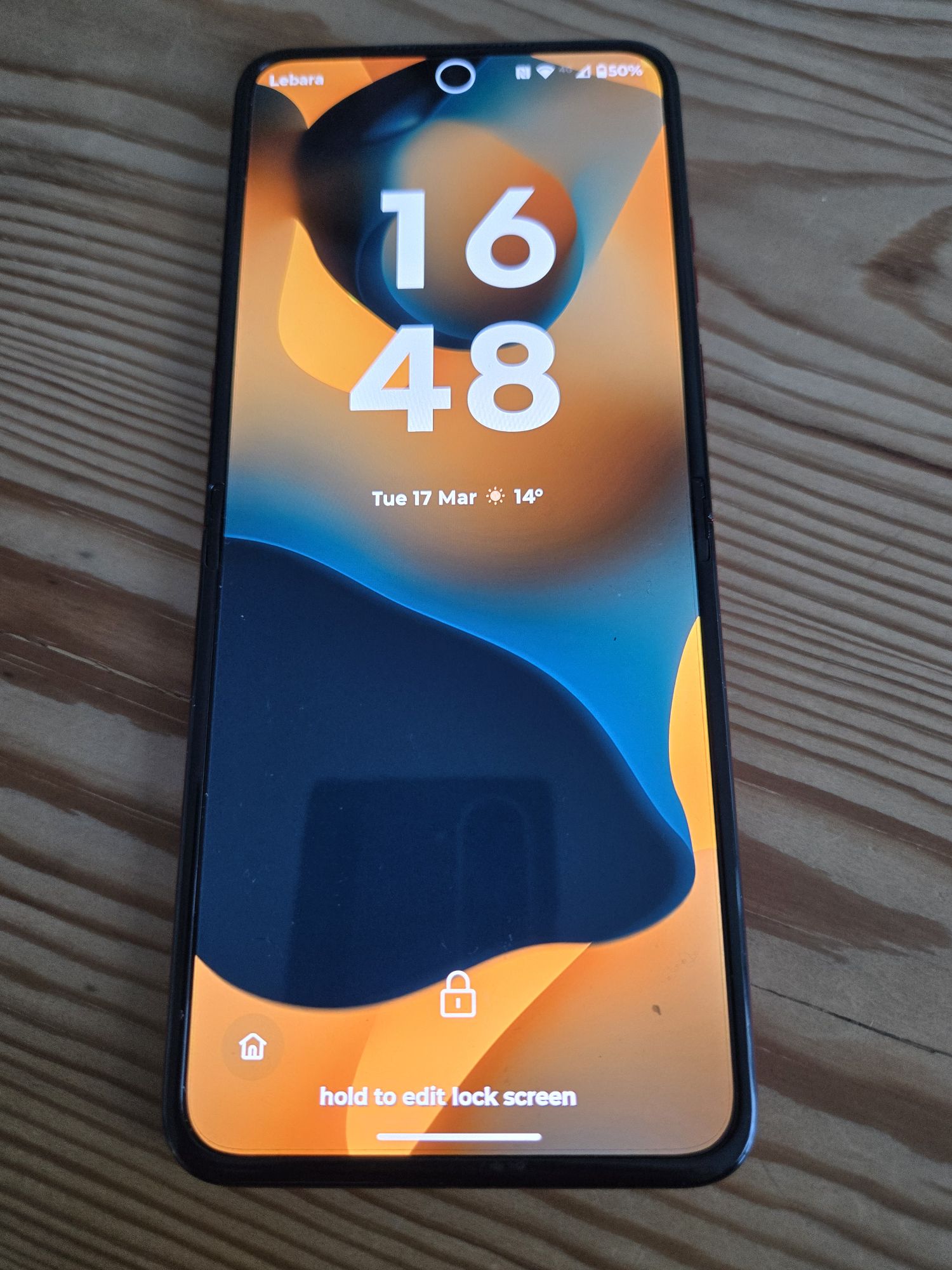
It’s a 165Hz panel, too. Scrolling through long articles or “X” (still calling it Twitter, sorry) is buttery smooth. It’s a tall screen, though—22:9 ratio—which means it’s brilliant for movies, but a bit of a stretch for one-handed use if you’re trying to reach the top. Luckily, Moto’s software is clever enough to help you out there.
The Cameras: “2x the Fun”
Right, let’s get into the nitty-gritty of the cameras. If you’ve been following the “Flip Wars” for a while, you’ll know that the cameras on these things usually feel like a compromise—a bit like trying to fit a V8 engine into a Mini Cooper. You just run out of space.
But with the Razr 60 Ultra, Motorola has stopped playing around. They’ve gone for a Triple 50MP setup: a 50MP main sensor, a 50MP ultrawide, and a 50MP selfie snapper inside. It’s the most consistent camera system I’ve seen on a flip phone to date.
Photography: “Social Media Gold”
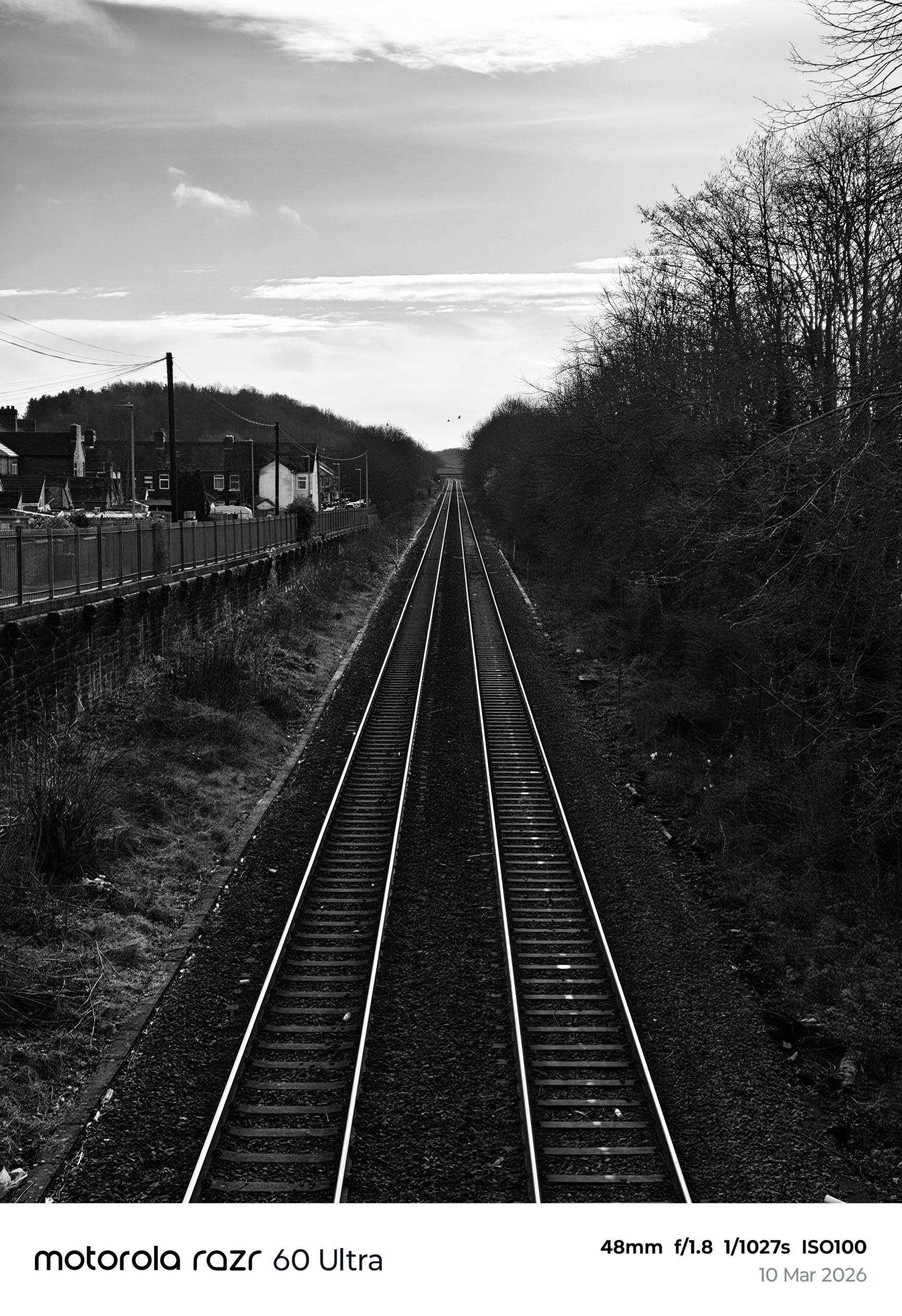
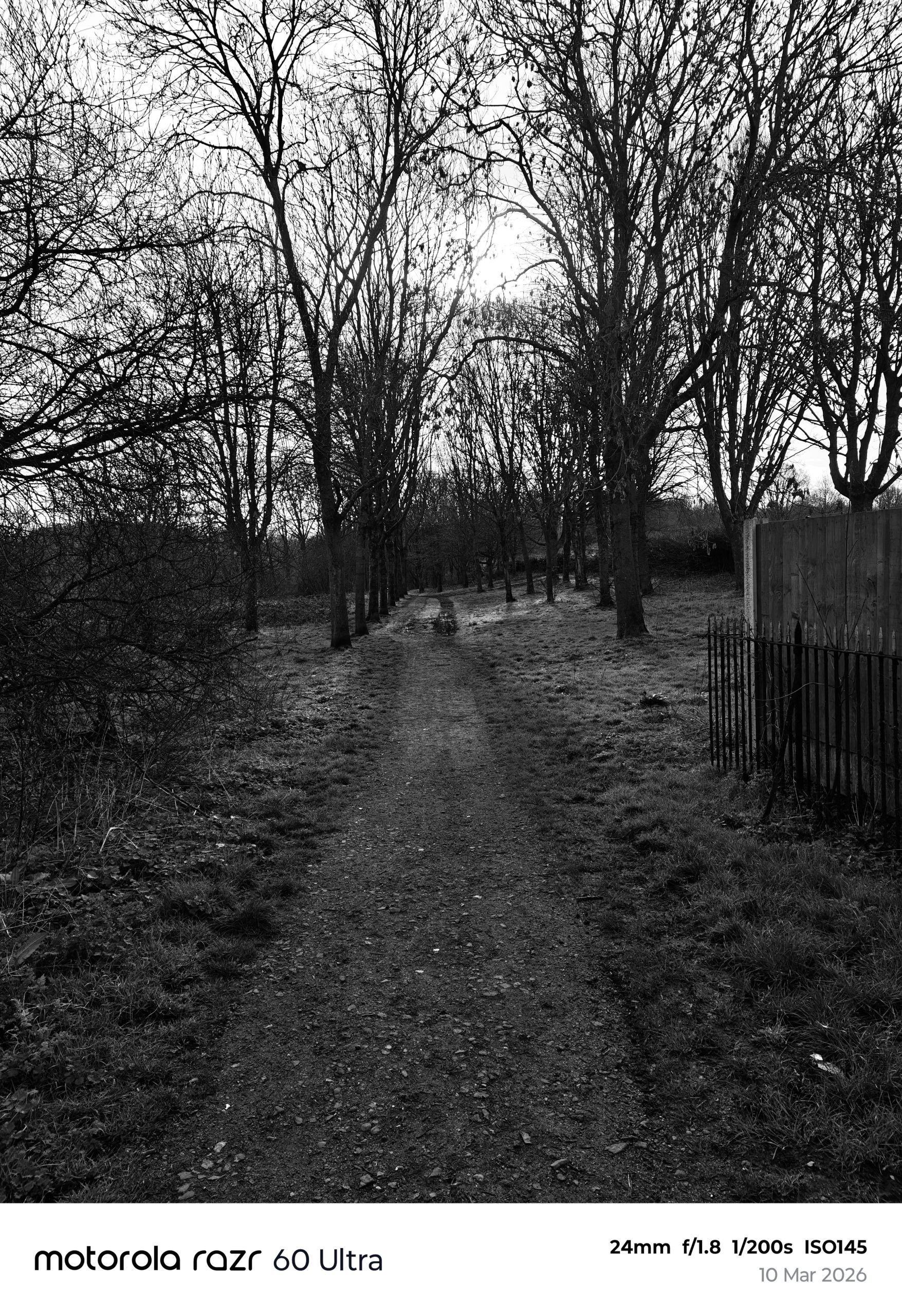
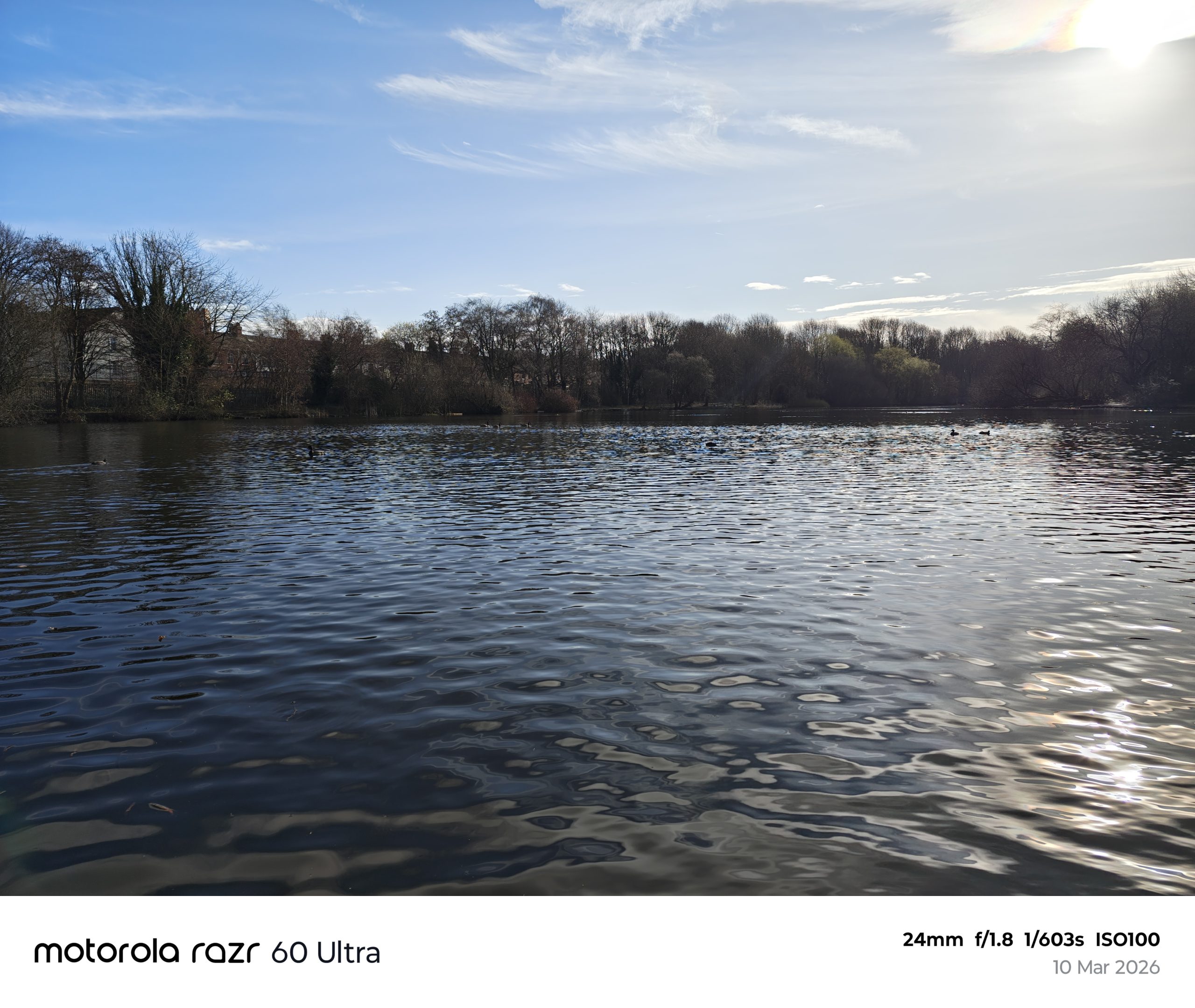
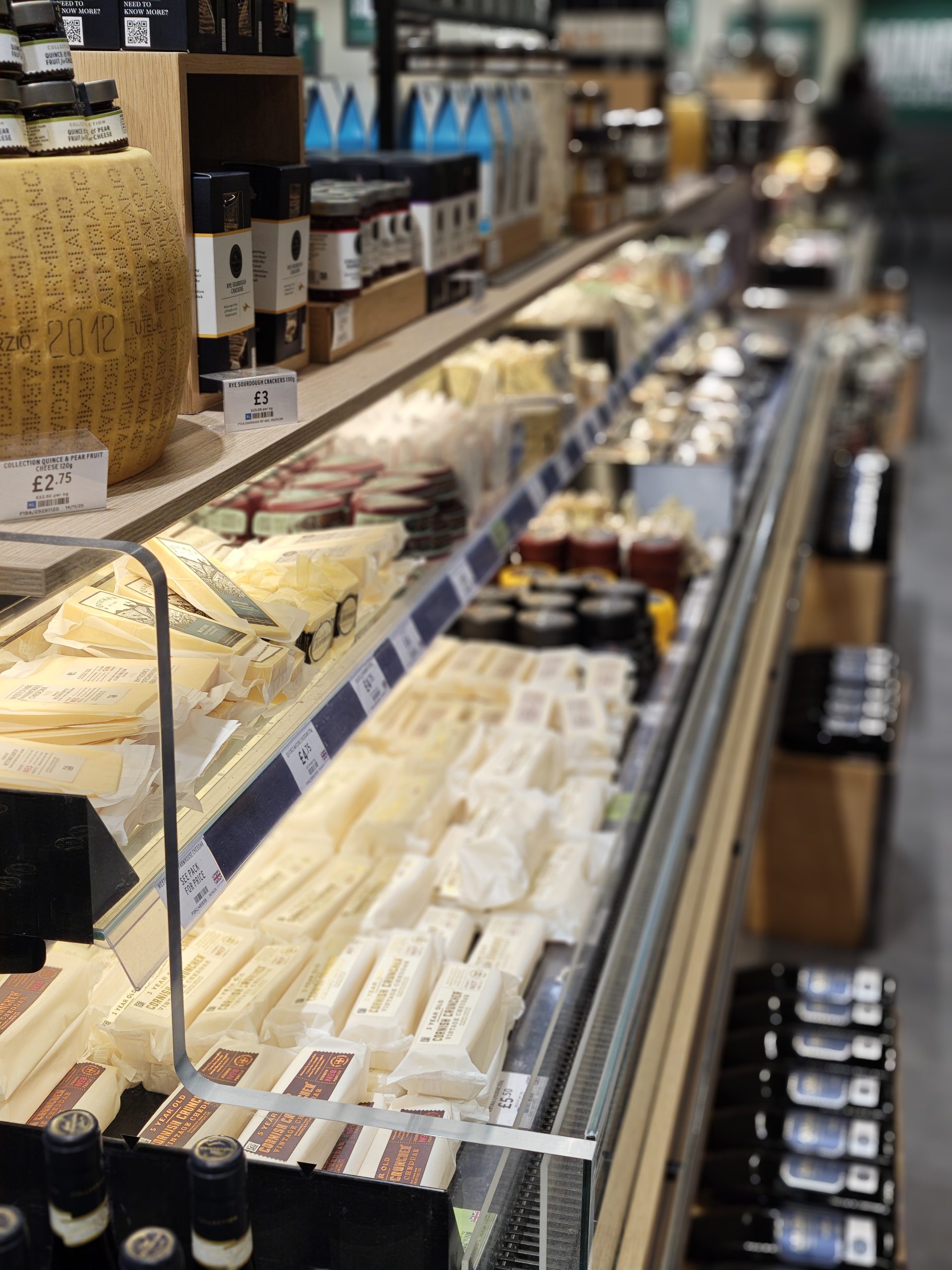
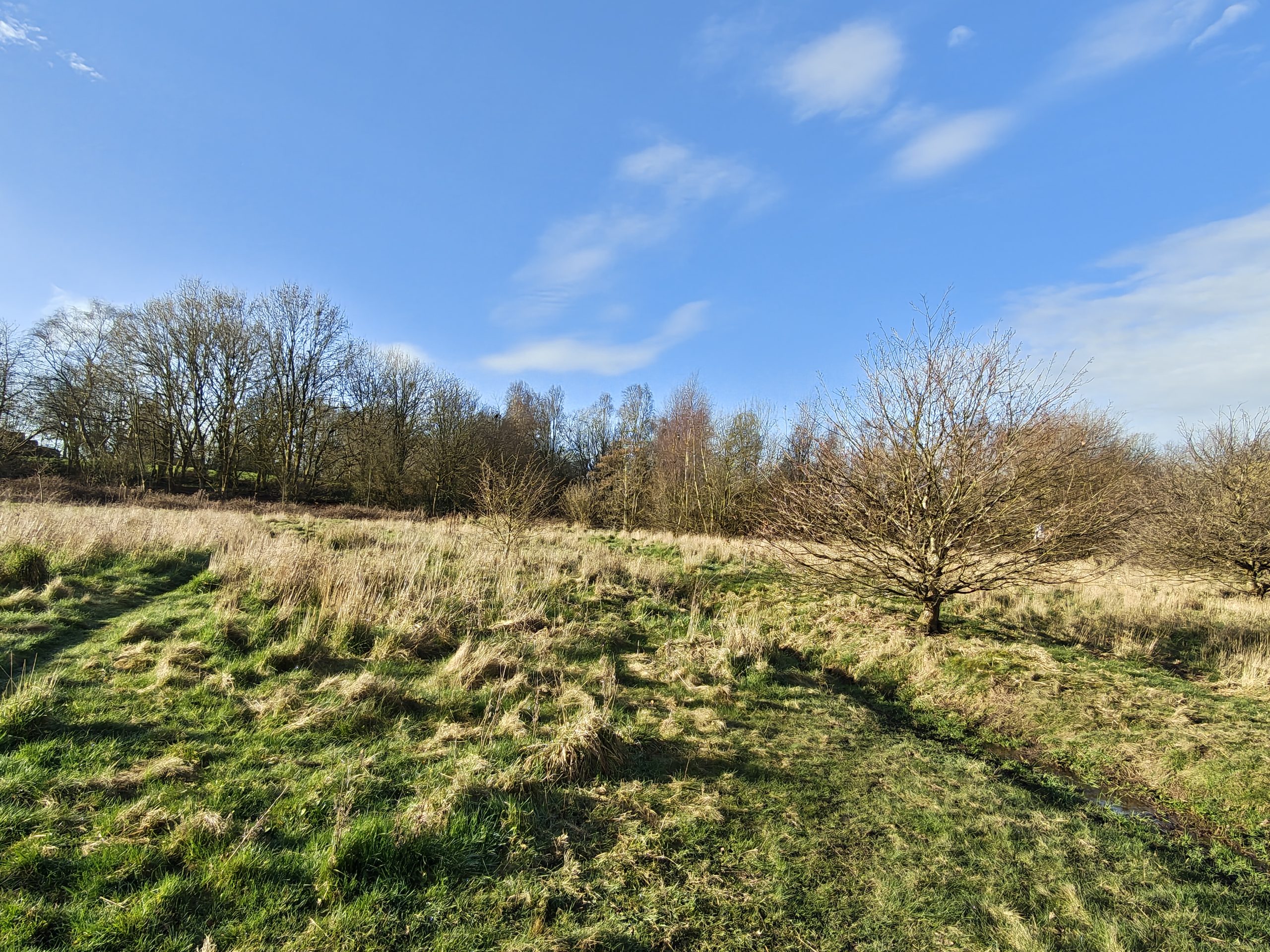
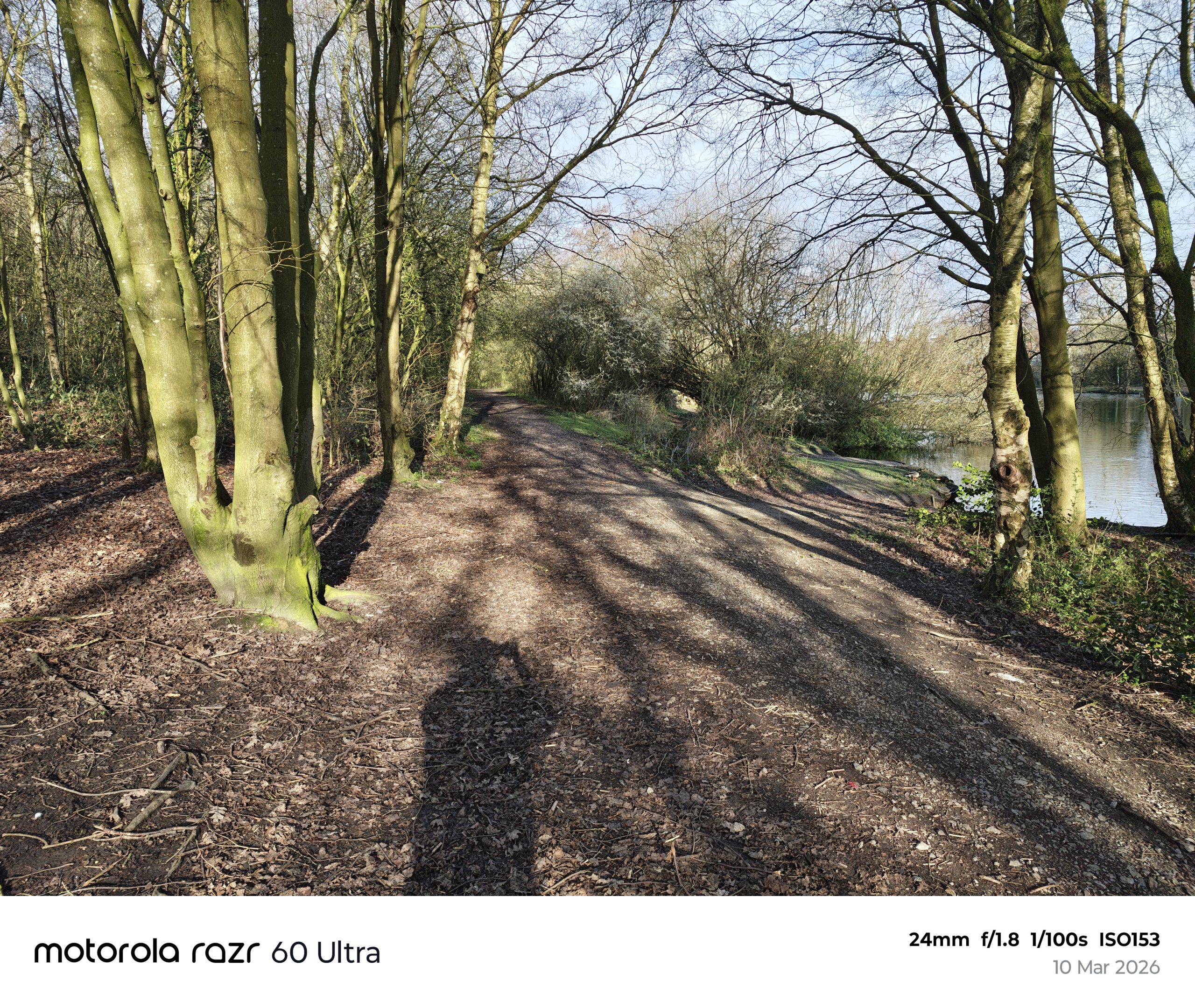
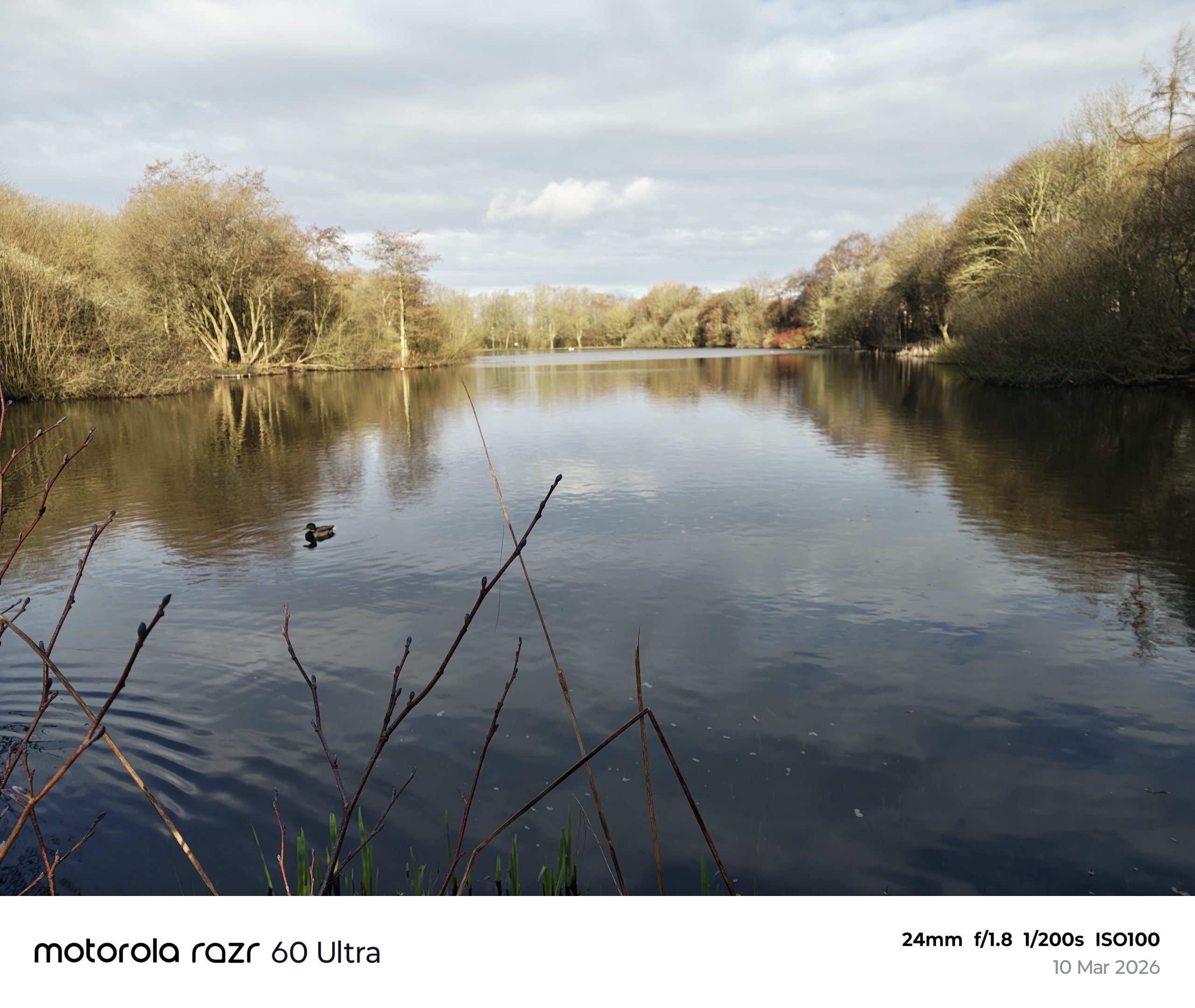
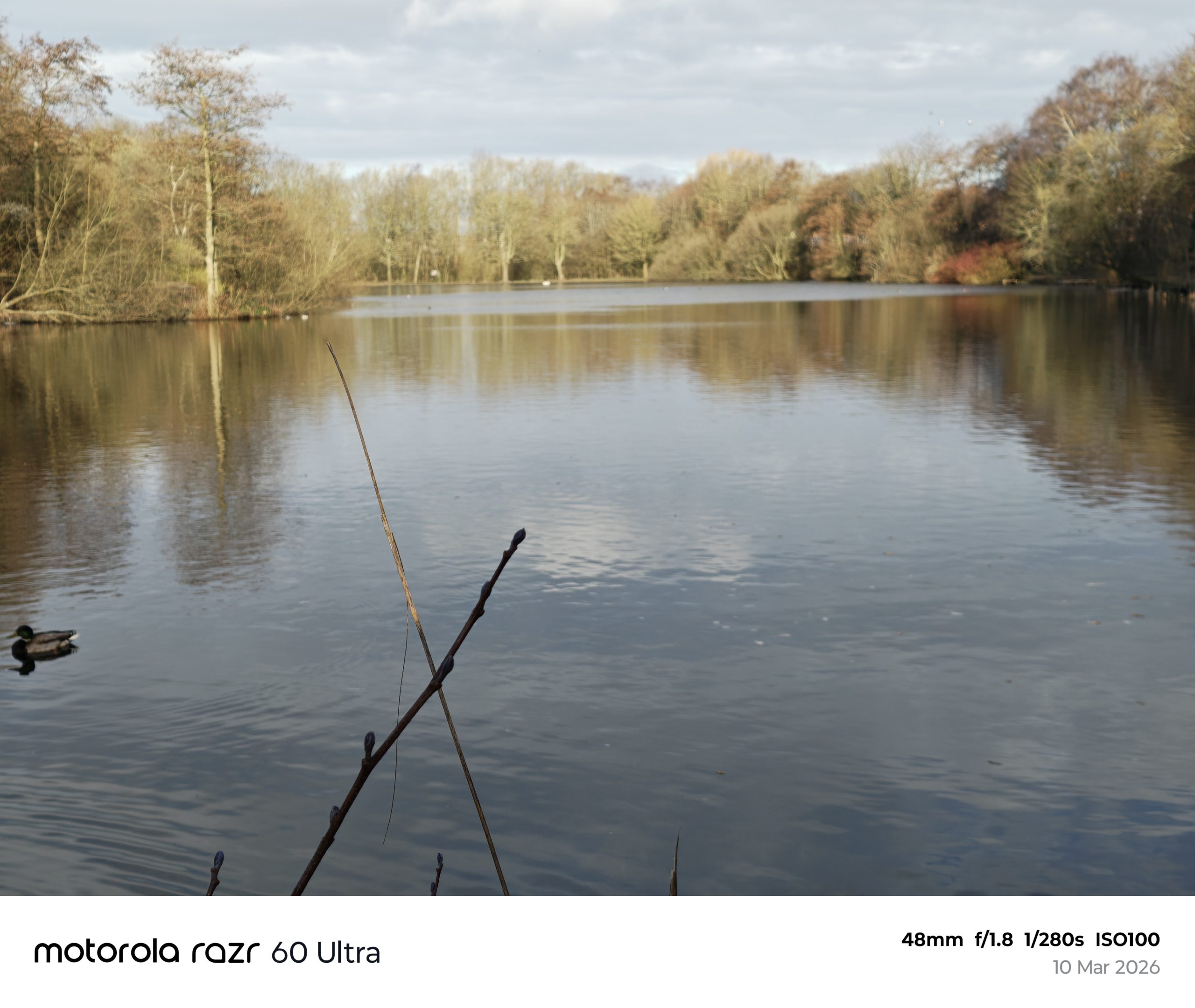
In broad daylight, the Razr 60 Ultra is a beast. Motorola has teamed up with Pantone for “color validation,” which sounds like marketing fluff but actually translates to photos that don’t look like they’ve been dragged through a neon filter.
-
The Main Sensor: It’s a 1/1.56″ sensor (bigger than last year’s), and it shows. Photos have a lovely natural depth to them. If you’re taking a snap of your Sunday roast, the focus is sharp and the background blur (bokeh) looks “real” rather than “AI-smudged.”
-
The Ultrawide Switch: Interestingly, Moto ditched the telephoto lens from the 50 Ultra and went back to an ultrawide. While I miss the zoom, the 50MP ultrawide doubles as a Macro lens. You can get properly close to things—I’m talking “seeing the dust on a Lego man’s head” close.
-
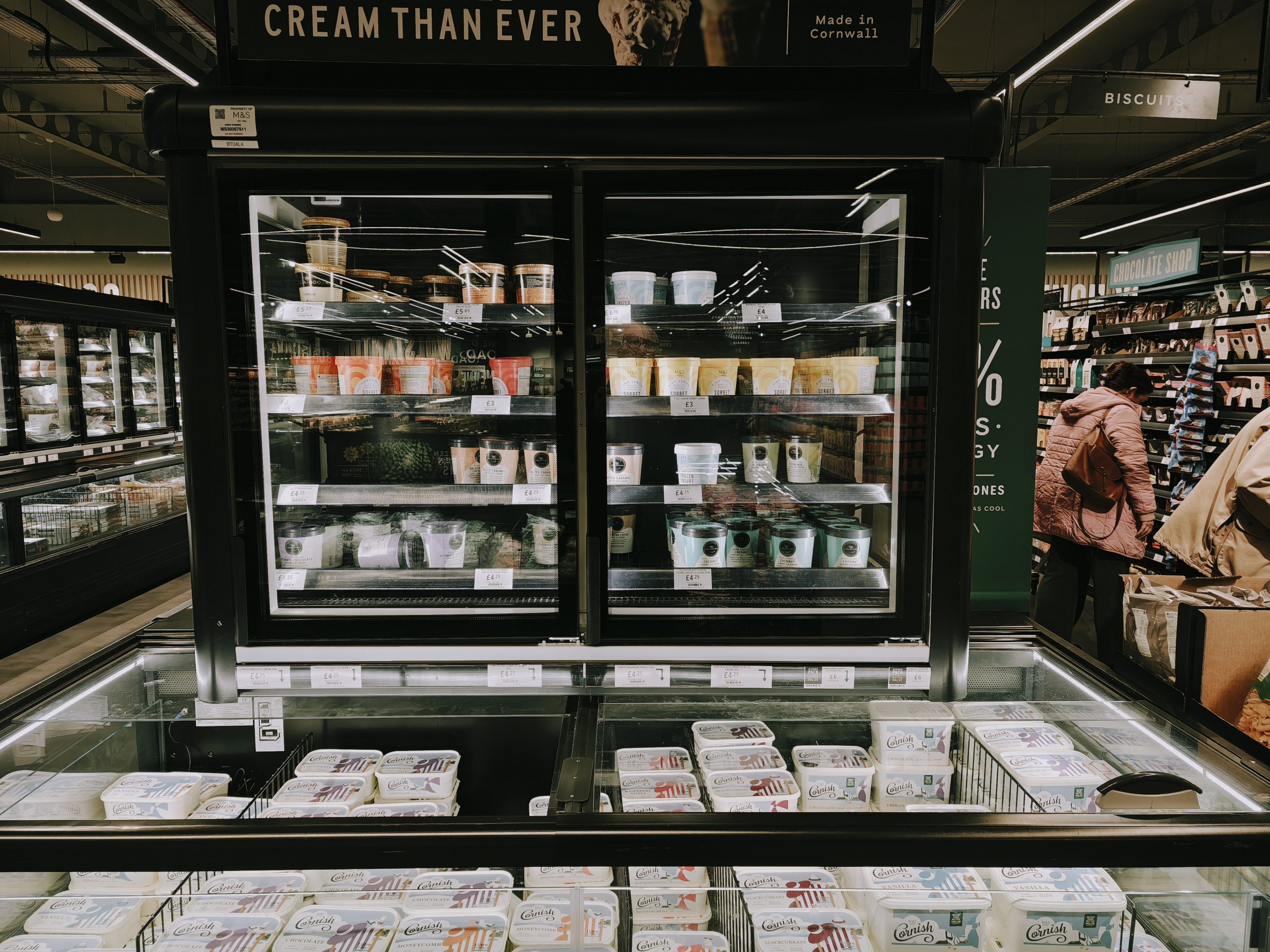
Low Light: This is usually where flip phones fall apart and start crying. The 60 Ultra holds its own. Thanks to the bigger sensor and the Moto AI Photo Enhancement Engine, night shots are clean. It’s not quite a Pixel 9 Pro or an S25 Ultra in the dark, but it’s no longer a blurry mess.
The “Cheat Code” for Selfies:
The best thing about this phone isn’t the internal camera—it’s using the external screen as a viewfinder for the main 50MP camera. You’re essentially taking selfies with the best lens on the phone. It makes every other selfie camera look a bit rubbish by comparison.

Video: “The Return of the Handycam”
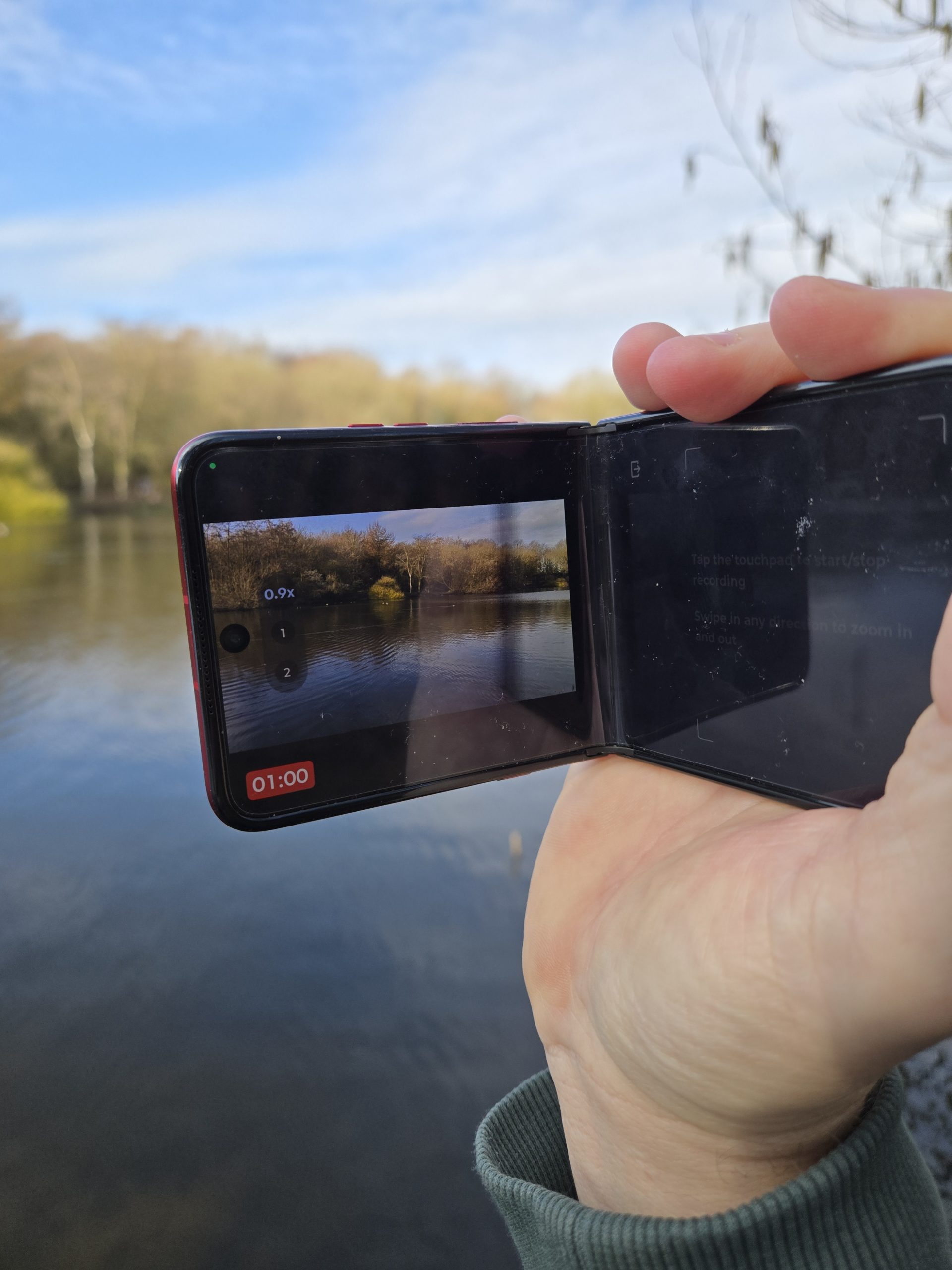
This is where the Razr 60 Ultra gets properly fun. It can shoot 8K at 30fps, but the sweet spot is 4K at 60fps with Dolby Vision.
-
Adaptive Stabilization: Moto AI is doing a lot of heavy lifting here. I took this for a walk in the park, and even with my shaky “too much caffeine” hands, the footage looked like it was on a gimbal.
-
Camcorder Mode: This is the highlight. Fold the phone 90 degrees and hold it sideways. The UI instantly shifts—you get a big record button under your thumb and a zoom slider. It feels like you’re back in 1996 filming a family holiday, but with 2026-level clarity.
-
Horizon Lock: If you’re filming while moving (or if you’ve had a few pints), this keeps the video level even if you tilt the phone. It’s clever stuff.
Everyday Carry (EDC): The Real World Test
We’ve all had those phones that look great on a spec sheet but are a pain to live with. The Razr 60 Ultra is the opposite.
Battery Life: They’ve managed to cram a 4,700mAh battery in here. For a flip phone, that’s massive. I’m easily getting through a full day of “power usage”—emails, Bluetooth music, too much YouTube—and still ending the day with about 15-20% left.
Charging: It supports 68W wired charging. If you’ve forgotten to plug it in overnight (which I do constantly), a 15-minute blast while you’re getting dressed gives you enough juice to get to lunchtime.
The Moto “Magic”: I can’t write a Moto review without mentioning the gestures.
-
The Karate Chop: Shake the phone twice to turn on the torch.
-
The Twist: Double-twist your wrist to launch the camera. These are the most useful features in mobile history. Period. No hunting for icons in the rain; just chop and go.
Right, let’s talk about the “brains” of this crimson beauty. Usually, reviewing phone software is about as exciting as reading a manual for a microwave, but Motorola’s Hello UI (running on Android 16) is actually a bit of a breath of fresh air.
It’s essentially “Pixel-lite”—it looks and feels like clean, pure Android, but with some clever “Moto-isms” sprinkled on top that actually make your life easier rather than just cluttering up your app drawer.
Software: “The AI That Actually Listens”
Motorola has jumped on the AI bandwagon, but instead of just giving us a glorified chatbot, they’ve added Moto AI. There are three features I’ve actually used more than once (which is a record for AI):
-
Catch Me Up: If you’ve been away from your phone for an hour and your WhatsApp groups have gone into meltdown, this gives you a bulleted summary of the chaos. It’s like having a personal assistant who actually pays attention.
-
Pay Attention: This is brilliant for meetings or, let’s be honest, trying to remember what your partner asked you to get from the shops. It records, transcribes, and summarizes conversations.
-
Next Move: The phone looks at what’s on your screen—say, a flight confirmation—and suggests your next step, like adding it to your calendar or looking up the weather in Ibiza.
Everyday Use: “The 90% Rule”
The biggest surprise about living with the Razr 60 Ultra? I hardly ever open it.
Because that 4-inch cover screen is so big and functional, I find I’m doing about 90% of my “quick” tasks on the front. I’m checking train times, replying to texts (the full QWERTY keyboard is tight but usable), and controlling my music without ever seeing the big 7-inch screen.
The “Fidget Factor”: Let’s be honest: you’re going to flip this phone. A lot. The new titanium hinge is incredibly satisfying. It’s got a “springy” snap that makes you want to open and close it just for the sake of it. In a world of boring slabs, there’s a tactile joy here that’s hard to put into words.
Battery & The “Pub Test”: With a 4,700mAh battery, this isn’t just a “morning-to-early-evening” phone anymore. I’ve taken this out for a full day of work, followed by a long evening at the pub, and I’m still hitting the pillow with 15% left.
-
The “Emergency” Charge: If you do run low, the 68W charging is a beast. You can get a day’s worth of juice in about 10 minutes. It’s fast enough that “battery anxiety” basically disappears.
The “Niggles” (Because Nothing is Perfect)
It’s not all sunshine and red leather. A couple of things to keep in mind:
-
The Update Situation: Moto is promising 3 years of OS updates and 4 years of security patches. It’s… fine. But when Samsung is offering 7 years, it feels a bit like Moto is leaving the party early.
-
Proximity Sensor Quirks: Occasionally, when I’m listening to a WhatsApp voice note on the cover screen, the phone thinks it’s near my ear and cuts the audio. It’s a minor bug, but it’ll make you swear under your breath once or twice.
-
The Heat: That Snapdragon 8 Elite is a powerhouse, but in a thin folding body, it can get a bit “toasty” if you’re playing heavy games for more than 20 minutes.
If you’re going to live that “folded life,” you need to set up your outer screen like a pro. You don’t want to be flipping that phone open every time Auntie Brenda sends you a picture of her cat on WhatsApp.
Since you’re rocking the Hot Red version, you want apps that are fast, punchy, and actually make sense on a 4-inch square. Here is my “Starter Pack” for the Razr 60 Ultra’s external display:
1. The “Quick Comms” Tier (The Essentials)
-
WhatsApp / Telegram: Don’t just look at the notification; pin the whole app. The 60 Ultra’s screen is big enough for a proper QWERTY keyboard. It’s perfect for those “Yeah, see you in 10” or “Don’t forget the milk” replies without ever seeing the main screen.
-
Google Phone (The “Google” version): Pro tip: The stock Moto phone app can be a bit shy about living on the home screen. Download Phone by Google from the Play Store. It lets you add your “Favourites” as a tile, so you can call your mum or the takeaway with one tap.
2. The “Out and About” Tier (The EDC Heroes)
-
Google Wallet: This is a non-negotiable. With the phone closed, a quick double-tap of the power button (or just holding it near the reader) and you’ve paid for your pint. It looks properly futuristic in Red.
-
Google Maps: This is the Razr’s “killer app.” Having your walking directions on the small screen while you’re navigating a busy street is a godsend. It uses less battery and you don’t look like a confused tourist holding a giant glass slab.
-
Citymapper / Uber: Similar to Maps, checking how far away your driver is or which platform your train is on is much easier on the “mini” screen.
3. The “Wait, I’m Bored” Tier (Time Wasters)
-
Stack Bounce: It comes pre-installed in the GameSnacks panel. It is the ultimate “waiting for the bus” game. It’s simple, addictive, and runs at a buttery 165Hz.
-
YouTube / TikTok: Yes, you can watch video on the front. It’s a bit small, obviously, but for a quick “how-to” video while you’re cooking or a bit of mindless scrolling in a queue, it works surprisingly well.
4. The “Moto Magic” (The AI Bits)
-
Moto AI “Catch Me Up”: Pin this to your side-panel. It uses the Snapdragon 8 Elite to summarize your mountain of notifications into three or four bullet points. It’s the first thing I check every morning.
-
Gemini: Use the “Look and Talk” feature. You don’t even have to press a button; just look at the closed phone, and Gemini pops up to answer your questions. It’s great for “How many grams in an ounce?” when your hands are covered in flour.
Pro Tip: The “Full Screen” Toggle
Not every app knows it’s living on a square screen. If an app looks a bit wonky (like the camera lenses are cutting off the buttons), do this:
-
Swipe up from the bottom of the outer screen to see your recent apps.
-
Tap the “Full Screen” icon (it looks like a little square with bits missing) at the bottom of the app card.
-
This forces the app to scale around the cameras. It’s a game-changer for apps like Instagram or Reddit.
The “Pro Setup” Launcher
If you want to be a real power user, download Pixel Search. Put it as one of your four main shortcuts on the bottom row. Now, you can tap that, type the name of any app on your phone, and launch it directly on the cover screen—even if it isn’t officially “supported.”
Conclusion
So, after living with the Motorola Razr 60 Ultra in its “Hot Red” glory for a few weeks, it’s time to deliver the final verdict.
I’ll be honest with you—at the start, I thought this might just be another expensive fashion accessory. We’ve seen enough “luxury” phones that have the soul of a cardboard box and the performance of a wet weekend in Bognor Regis. But Moto has actually gone and done it. They’ve made a flip phone that doesn’t feel like a compromise; it feels like the future of how we actually use our blowers.
The Final Verdict: “Properly Brilliant”
If you want a phone that stays out of your way when you’re busy but turns into a cinematic powerhouse when you’ve got five minutes to yourself, this is it. The Hot Red finish is the cherry on top—it’s tactile, it’s loud, and it makes every other glass-and-metal slab in the room look positively ancient.
Is it perfect? No. The zoom could be better, it gets a bit “toasty” if you’re playing Call of Duty for three hours, and the price tag will definitely make your bank manager’s eye twitch. But for the first time in years, I’m excited to take a phone out of my pocket. It’s fun, it’s fast, and it fits in my jeans. What more do you want?
The Star Rating
4.5 / 5 Stars
“The first flip phone that feels like it’s finished the job. A stunning, powerful, and properly usable piece of kit that finally makes the ‘slab’ feel like a thing of the past.”
Final Thought
If you’re still carrying around a giant phone that feels like a brick in your pocket, do yourself a favour. Go find a shop, have a play with the Razr 60 Ultra, and flick it shut once. You’ll get it. It’s not just a phone; it’s a bit of joy in a world of boring tech.
Nice one, Motorola. You’ve done us proud.