
Introduction
OK so this device has been out for a while.. but with limited availability we’ve struggled to get hold of a review unit.. well now we have one! You all know about the ridiculously high resolution screen, but how does the rest of the device perform? What’s the overall experience like, and is it worth the extra outlay over something like the very popular Nexus 7? Read on for my thoughts on the flagship Nexus tablet from Google.
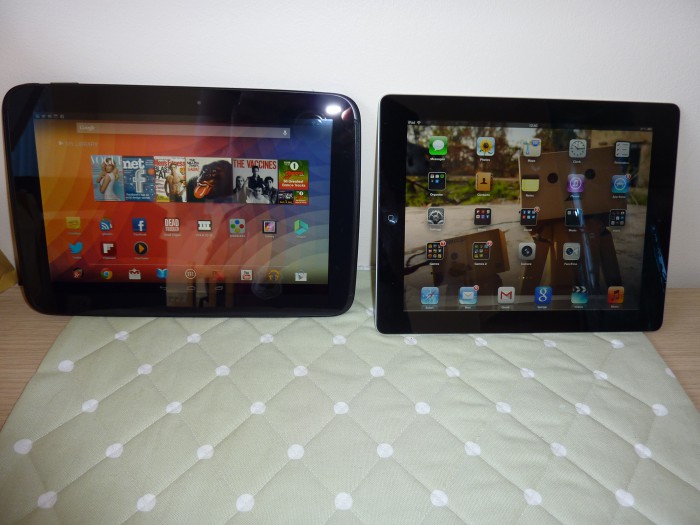
The Nexus 7 has been something of a breakthrough device, with sales approaching a million per month. Due largely to the device’s low cost, and great specs, with stock Android it’s a fast, capable tablet. The Nexus 10 is the big brother of the family, with a 10″ screen,with an iPad ‘retina display’ beating 2560 x 1600 resolution (more on that shortly). Crucially though, it’s a much more expensive tablet, at £319 (almost 80% of the price of an iPad 4, the nearest competitor based on form factor).
Screen, performance
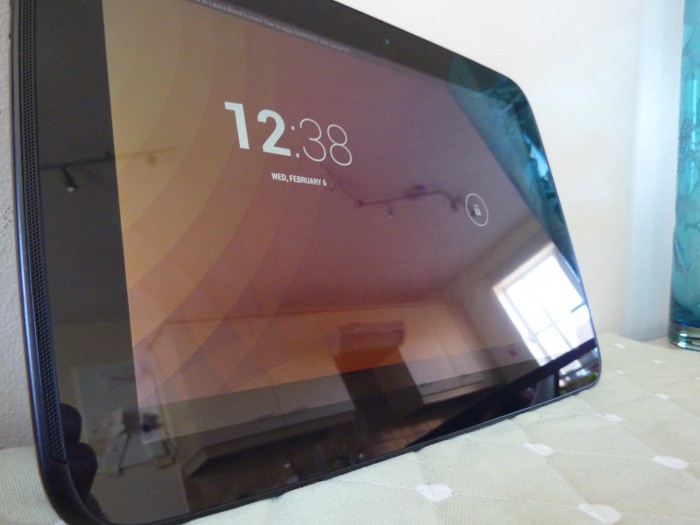
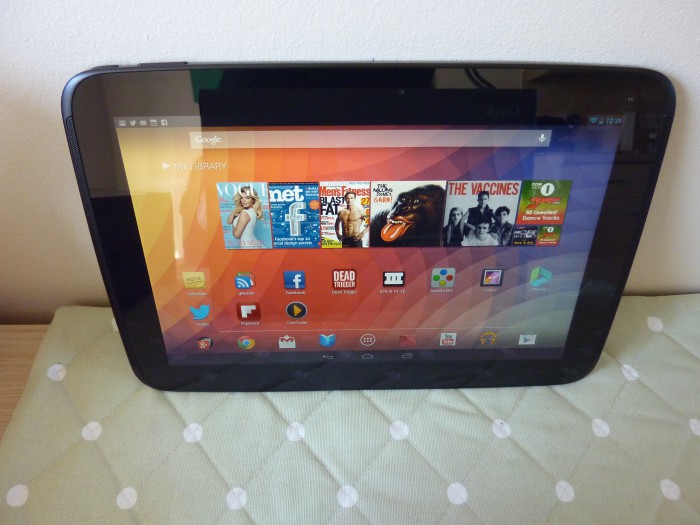
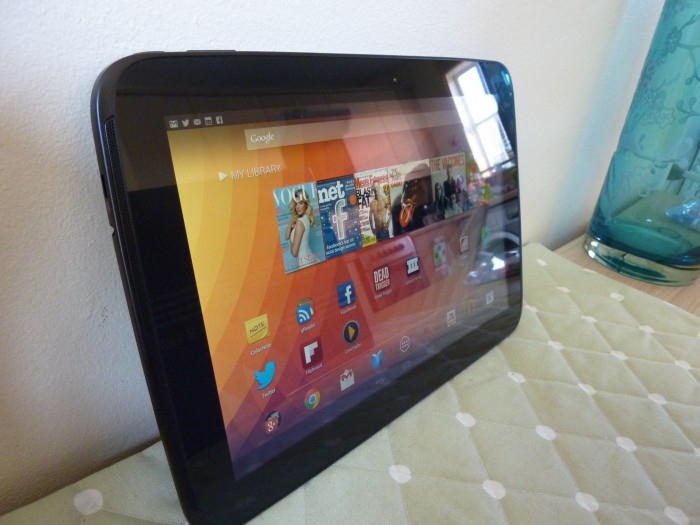
The screen is fantastic to look at. It doesn’t quite have the same colour temperature of other tablets, and looks very slightly ‘washed out’, but that’s no doubt something that could be altered by software. (A similar method already exists for the Nexus 4). The dense pixels make everything look super sharp, and the CPU and GPU do a great job of throwing everything around. Games played very well and smoothly (I tried Grand Theft Auto III and Dead Trigger, two of my favourite tablet games for Android or iOS). Audio sounded great through headphones, although the front facing speakers (well done for putting them on the front!) were a touch quiet for my liking. Build quality is good, but the use of plastic to keep the weight own makes the device feel less premium than some competing devices.
‘Appgate’
Another large difference between the Nexus 7 and 10 is that, for the most part, the former runs apps in ‘phone’ mode. That is, they are presented to the user in much the same way phone apps are. Tablets for apps are (when well written) generally presented in a way that makes better use of the form factor. Mail on the iPad is a good example, with a list of emails on the left, and the body or ‘preview pane’ on the right.
That’s where the problem with the Nexus 10 starts.
The following gallery shows Facebook and Twitter, on the iPad, Nexus 7 and Nexus 10. All of the Nexus 10 apps look fairly horrible, noticeably worse than the other two. That’s not to say all apps are bad. obviously games etc are fine, Chrome is great for browsing, and apps that are specifically optimised for a tablet resolution look great (Google Music and Flipboard are two great examples).
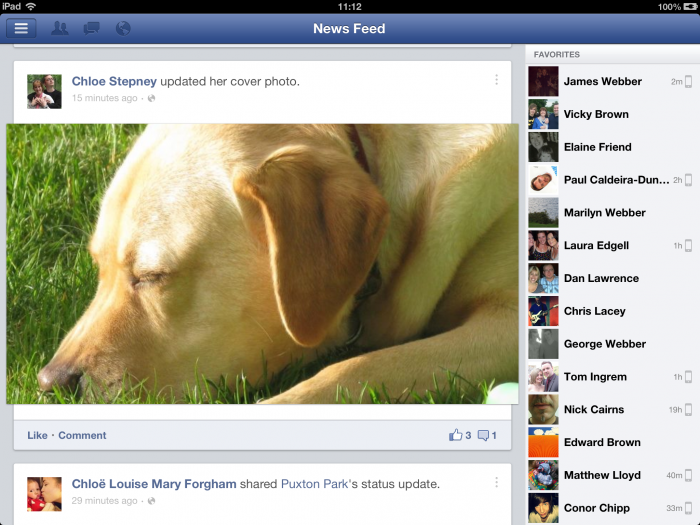
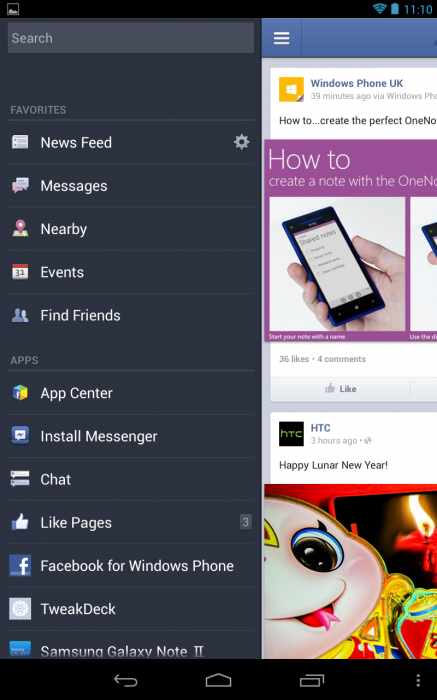
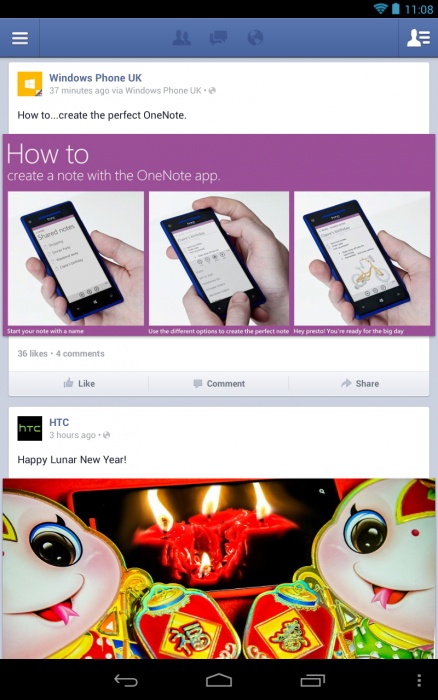

Unfortunately even some of Google’s own apps look fairly nasty.
Google Now, part of the built in OS, looks like it’s been stretched to fit onto a tablet interface (In the interests of fairness, I also think the same of Siri and the notification bar on the iPad), see picture below;
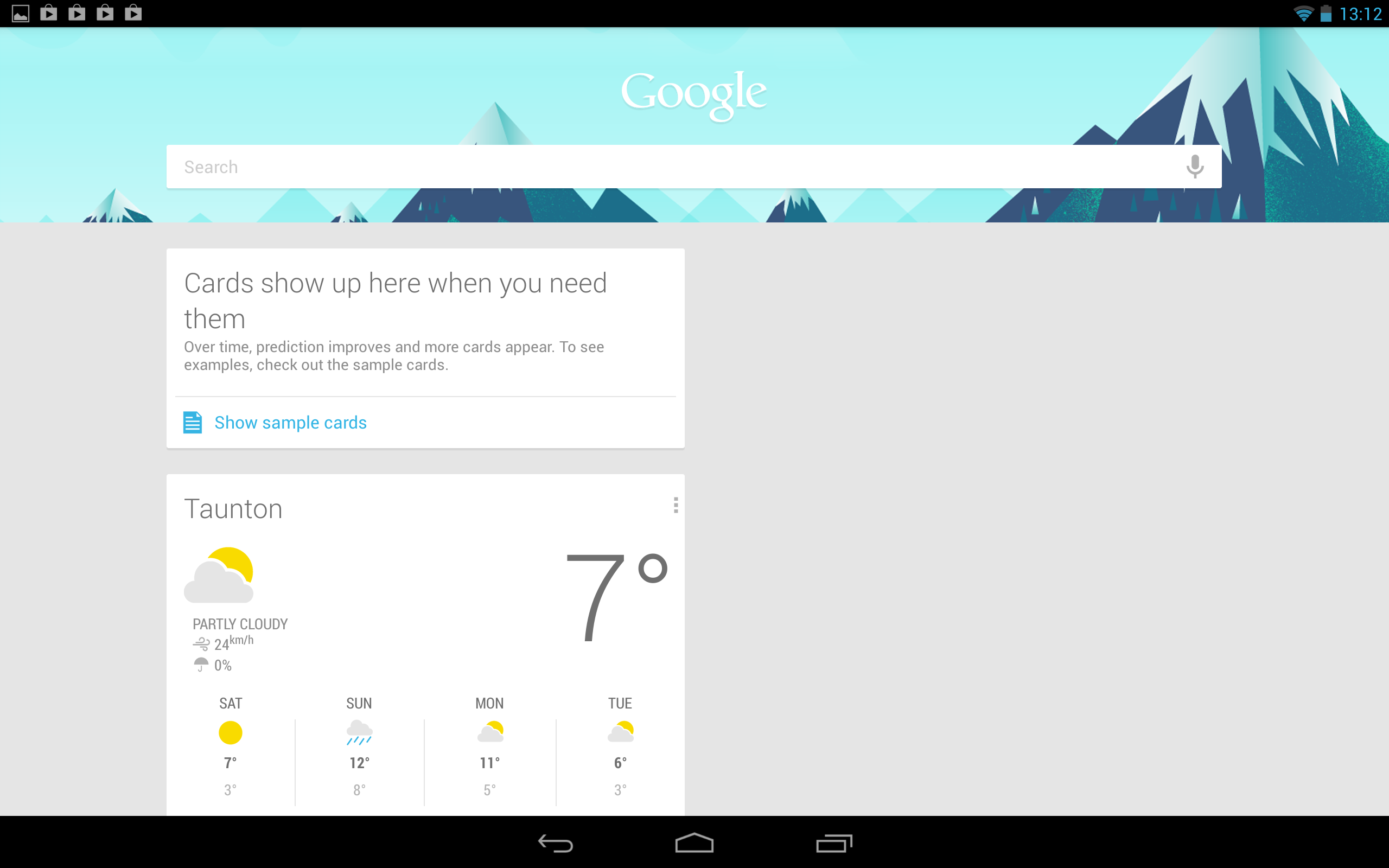
Google Music is a good example of how apps can look…
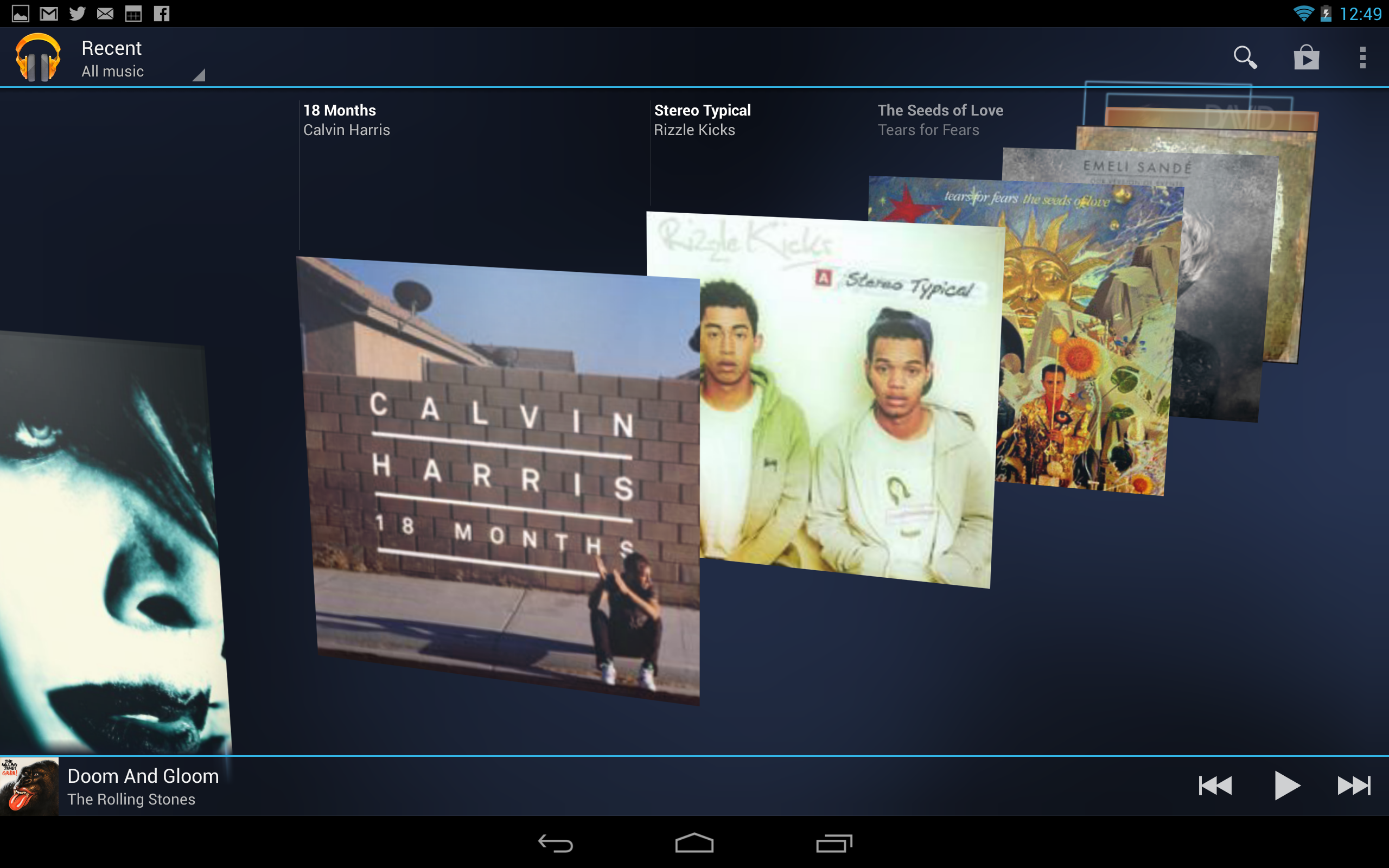
Now whether this is a big issue or not will really depend on how you use the device. If you plan mainly on browsing websites, playing games and watching videos, then the app situation doesn’t really matter. Until 10 inch Android tablets start selling in large numbers, it seems developers aren’t too keen to take the time and effort to make them look as good as their counterparts on iOS. This is a great shame for the Nexus 10, as it ruins the overall experience for me personally. The iPad’s strongest point for me has always been the huge range of excellent apps, both in terms of functionality and appearance. That cannot be said for the Nexus 10 unfortunately.
We’ve often discussed what Google intend to do about the app issue. During the interview that announced the Nexus 10, Matias Duarte (Director of Android operating system User Experience at Google) explained that the Nexus 7 was introduced in part to excite developers into creating tablet apps, and that apps that were written for the Nexus 7 size would also look great on the Nexus 10. The problem there, is the Nexus 7 form factor lends itself to being used in portrait mode, and has a resolution very close to most Android phones. This means most apps are designed for phones, and are simply larger on the Nexus 7.
A lot of apps simply haven’t been designed to run at this resolution. They do run, because Android is flexible, and scales the apps, but the lack of UI design is apparent in many. Obviously individual’s experiences will vary depending on which apps you use, and there is the possibility the problem will get better over time.
On board storage, battery life
An odd omission with the Nexus 10, which could have been a real positive over the iPad, is the lack of any kind of flash memory slot. Having said that, more and more content is now in ‘the cloud’ so on board memory is becoming less important these days. (One of the reasons I believe those ‘128gb’ iPhone rumours don’t really make sense). Again, storage is a ‘use case’ scenario, but if you plan on enjoying lots of games, or films, you may want to consider the larger storage option. The 32gb version is £389.
Battery life is good, but very hard to judge within the couple of days I used the device, as it constantly used. Despite this, and regularly viewing videos, playing games, I found no need to run to the charger until the end of the day, an absolutely must have in a tablet in my opinion, particularly given the iPad’s stellar battery life.
Conclusion
If you must have a 10 inch Android tablet, then the Nexus 10 should be top of your list. You’ll be hard pushed to find anything to compete in terms of specifications. If it’s a fight between the Nexus 10 and an iPad? The iPad wins hands down. Yes it’s £80 more expensive, but that money buys you a device that oozes build quality, and has a huge range of excellent apps.
So although I enjoyed my time with the Nexus 10, I would not recommend it over the iPad currently, but that is based on my usage patterns. If your apps look good, or you simply don’t mind, then you’re getting a lot of hardware for your money here.
The Nexus 10 is available from the Google Play store
It’s crazy to think Android STILL has a tablet app issue. It’s a strong case for skipping 10″ Android tablets and sticking with 7″ ones.
Which to be frank may look fine running phone apps but it’s clear even from your screenshots below Facebook isn’t designed for tablets, even 7″ ones. It’s an enlarged phone interface.
Google should be paying developers (so should Microsoft) like RIM are. Get some momentum behind Android tablets.
There should at least be a proper Facebook for Android tablets app. Flipboard can manage it!
p.s – Personally I’m waiting for the Galaxy Tab 3 8″. Bigger than 7″ but not shouldn’t pose the problems of a 10″ Android tablet. Cheaper too.