
The BlackBerry is one of those phenomena that have totally passed me by. I have never used one, touched one or even within about 4’ of one. So when the whole world erupted with excitement a few weeks ago with the arrival of BB10 and the new flagship device the Z10, I thought that maybe now after all of these years now might be the time to try one.
Thanks to the people at Vodafone for lending me one for a few weeks my eagerness to try the new OS and device out has become a reality.
So where on earth do you start with a new OS and a new phone? I guess with the usual look at the design and what’s in the box. For those of you that just want a few quick bullet points and to look at some pictures then here are the good and bad points
Good Points
- Removable battery
- MicroSD slot
- A feeling of something new and fresh
- Great feeling in the hand
- Camera seems to be minimal and efficient
Bad Points
- Battery life
- Odd feel to some of the ported apps
- Pricing of apps in the store is annoying (i.e free Android apps costing several pounds)
- Finding decent native apps is hard
- Amalgamated messaging hub can get fiddly
Design
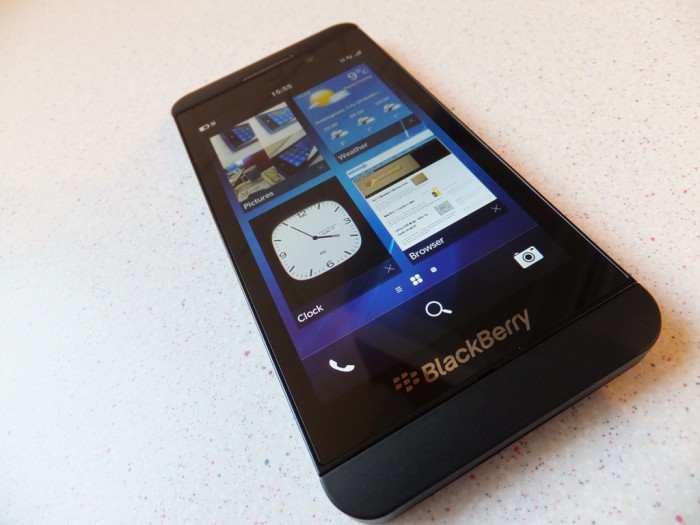
The BlackBerry Z10 is a great looking phone and fits into that sizing bracket of “just right” that so many people look for. What I mean by that is the 4.2” size that seems to be about the mental barrier for some. Whether or not this was done intentionally I don’t know, whether the Z10 would be more popular if it was closer to 5” in size again I don’t know.
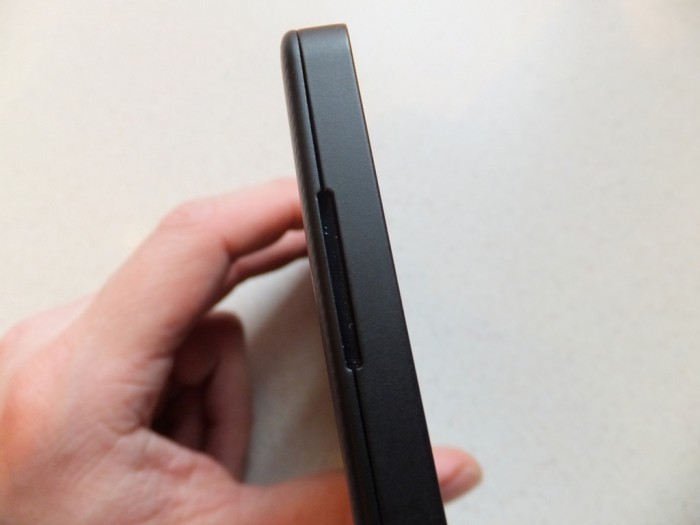
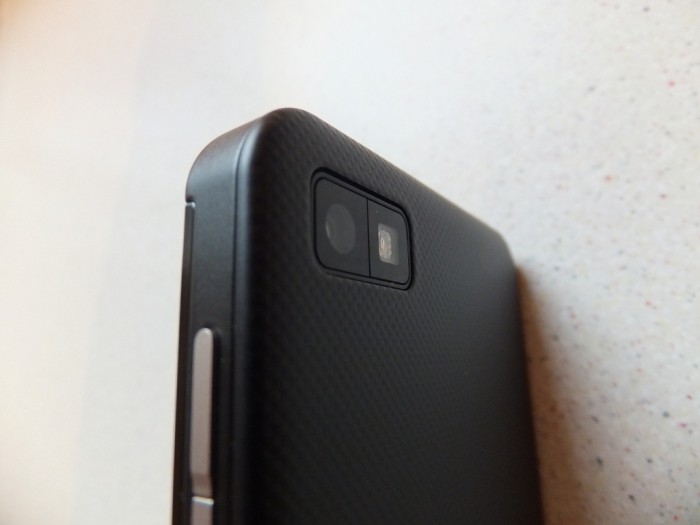
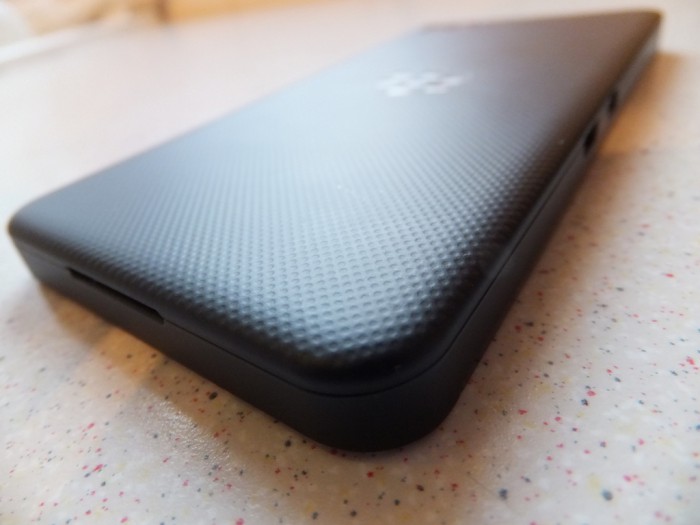
In the hand the Z10 feels great and you can easily use it with one hand; once you’ve figured out the gestures that is. The rubbery feel backplate really adds to the feel in the hand, which is removable, which means you can easily replace the battery during the day if needed; you can also access the MicroSD slot and Micro SIM from here as well.
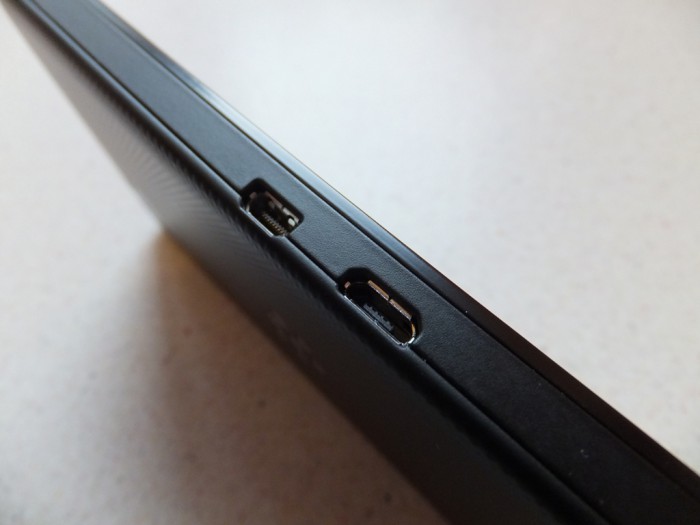
The Micro USB port is on the side of the device, which personally I don’t mind. It may be fiddly to fit it in a universal car mount.
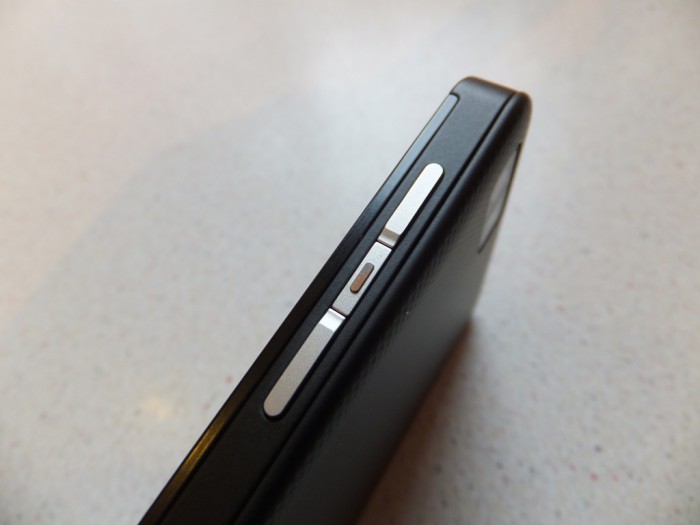
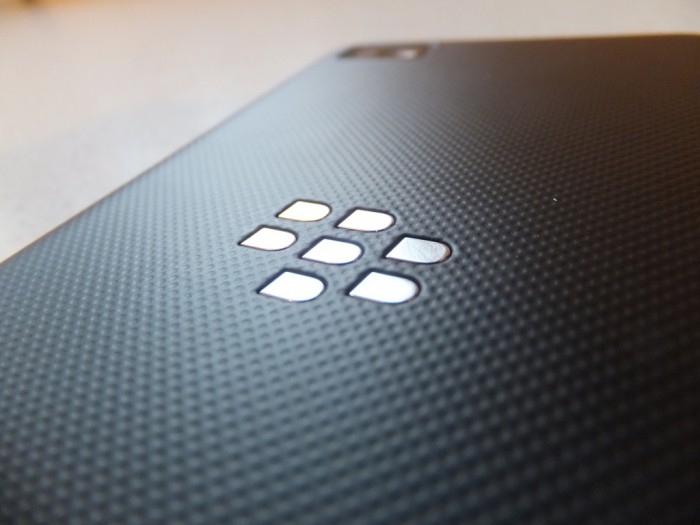
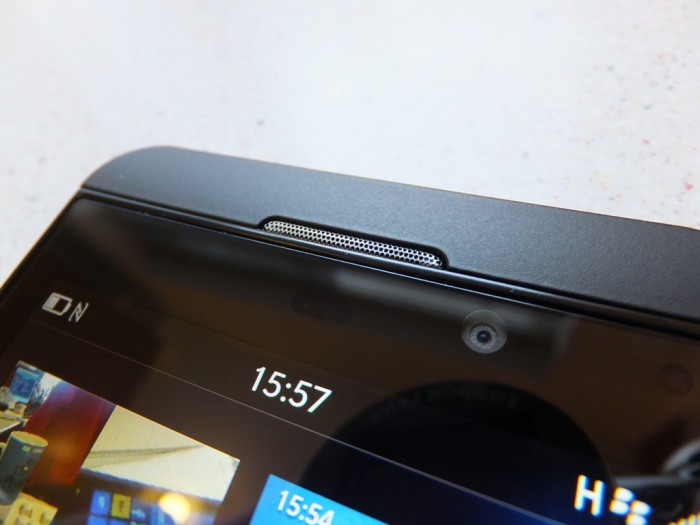
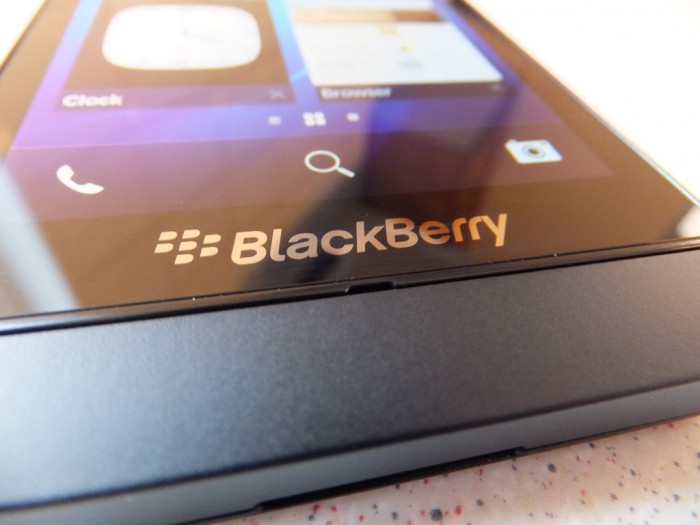
Here are a few shots I took of the Z10
Hardware
The Z10 has a fairly decent spec, competing with the current crop of top end devices. Here are the specs for the Z10:
- Size – Height 130 mm / 5.11 in Width 65.6 mm / 2.58 in Depth 9 mm / 0.35 in
- Weight – 137.5g / 4.85 oz
- Volume Up/Down, Mute, Lock (for Power On/Off)
- Display – Screen size 4.2″ diagonal 15:9 aspect ratio
- Resolution 1280 x 768 resolution, at 356 PPI
- Processor – Dual Core 1.5 GHz
- Memory – 2GB RAM 16GB Flash
- Expandable memory – Removable microSD memory card – slot under battery door (Up to 32 GB)
- Micro HDMI for connection to your HDTV or projector
- Battery – 1800mAH removable battery
- Rear camera – 8 megapixel auto-focus camera, Back Side Illumination for better low-light performance. 5-element F2.2 lens. Dedicated ISP (image signal processor) with 64MB frame buffer. Flash, continuous and touch to focus, image stabilization. Enhanced Super Resolution Digital Zoom (5x)
- 1080p HD video recording, 4 DOF (Degrees of freedom) video stabilization
- Time Shift mode for pinpointing and adjusting individual elements of your picture
- Front camera – 2 megapixel fixed-focus camera, Image and video stabilization, 3x digital zoom. 720p HD video recording
- Pre-loaded apps – BlackBerry® Hub, Contacts, BlackBerry® Browser, BlackBerry® Calendar, BBM, Text Messages, BlackBerry® World, BlackBerry® Remember, Docs To Go™, Pictures, Music, Videos, Story Maker, Facebook®1, Twitter®1, LinkedIn®1, Foursquare®, BlackBerry® Maps, Games, YouTube®, Voice Control, Weather, Clock, Calculator, Compass, File Manager, Box, BlackBerry® Connect for Dropbox, Print To Go, Smart Tags, Settings, Adobe® Reader, Phone, Camera/Video Camera/Time Shift, Setup, Help, SIM Toolkit, Search
- Security – Password protection, screen lock, and sleep mode
- BlackBerry® Balance™ offering dedicated profiles to keep work and personal data separate and secure
- Network bands – Up to 4G LTE
- Quad band LTE 3, 7, 8, 20 (1800/2600/900/800 MHz)
- Tri band HSPA+ 1, 5/6, 8 (2100/850/900 MHz)
- Quad band EDGE (850/900/1800/1900 MHz)
- Wi-Fi® – 802.11 a/b/g/n, 2.4 GHz / 5 GHz
- 4G Mobile Hotspot
- GPS – Assisted, Autonomous and Simultaneous GPS, Preloaded with BlackBerry Maps application. GLONASS Support
- NFC – BlackBerry® Tag with NFC technology enables communication between BlackBerry smartphones and other NFC-enabled devices with a tap
- Sensors – Advanced Sensors, Accelerometer, Magnetometer, Proximity sensor, Gyroscope, Ambient light sensor
Key points of the spec for me are the MicroSD card and the removable battery both of which will make the Z10 a flexible tool to carry with you.
Software
Messaging has always been at the core of the BlackBerry ethos and the new BlackBerry Z10 continues that trend, albeit in a whole new way. I have a lot of different accounts spread between Google, Microsoft, Facebook and Twitter and I receive messages of some sort on each of these every day. Heck I even receive SMS messages as well. So seeing how the new OS bundles all of these together is going to be interesting.
Getting around the UI was my first trauma. I actually had to read the instructions first. Once I had worked out what different gestures did I was sorted. So I set about setting up all of my different accounts.
I am used to Windows Phone and Android so I know how good your contact list could look (Windows Phone) and I also what a mess your contacts can look (Android). So with BB10 I eagerly set about adding my contacts.
Facebook and Twitter Sync was straightforward and added relevant info to my contact list.
Google Sync was a little more fiddly, adding an email account worked easily and then you have to setup CalDav and CardDav details separately, although some Google Apps Domains include contacts and calendar. It all worked once setup so I was happy.
The contact list also allows you to link duplicates and also Facebook and Twitter so you get a nicely populated list.
A lot has been said about the thousands of apps ported over from Android, whilst this helped the new OS make claims like 70,000 apps on launch day and the like. The BlackBerry World store has a mix of native and ported apps with no way initially to tell. The ported ones seem to cashing in, with many apps that are free on the Google Play Store now costing money on the BlackBerry World store. Also I found a few apps with comments like “this is pirated from Android” where someone has ripped off other peoples free apps. I think BlackBerry really need to sort this out sharpish.
Initial Conclusion
My initial conclusion is that the Z10 is a great device, it feel really amazing, the messaging hub is a really nice feature, the camera is really quite good and the screen seems really colourful. I will be using the Z10 solidly for the next few weeks so if you have any questions about the Z10 or BB10 then let us know in the comments below.
Excellent start, I await a follow-up article with eagerness. I’m very happy to see a new (returning?) face on the Mobile Phone scene, we need more than just Iphone, Android and Windows phone to keep innovation and choice going…